33
Figure 4-9
4.3 Search & Playback
4.3.1 Search Menu
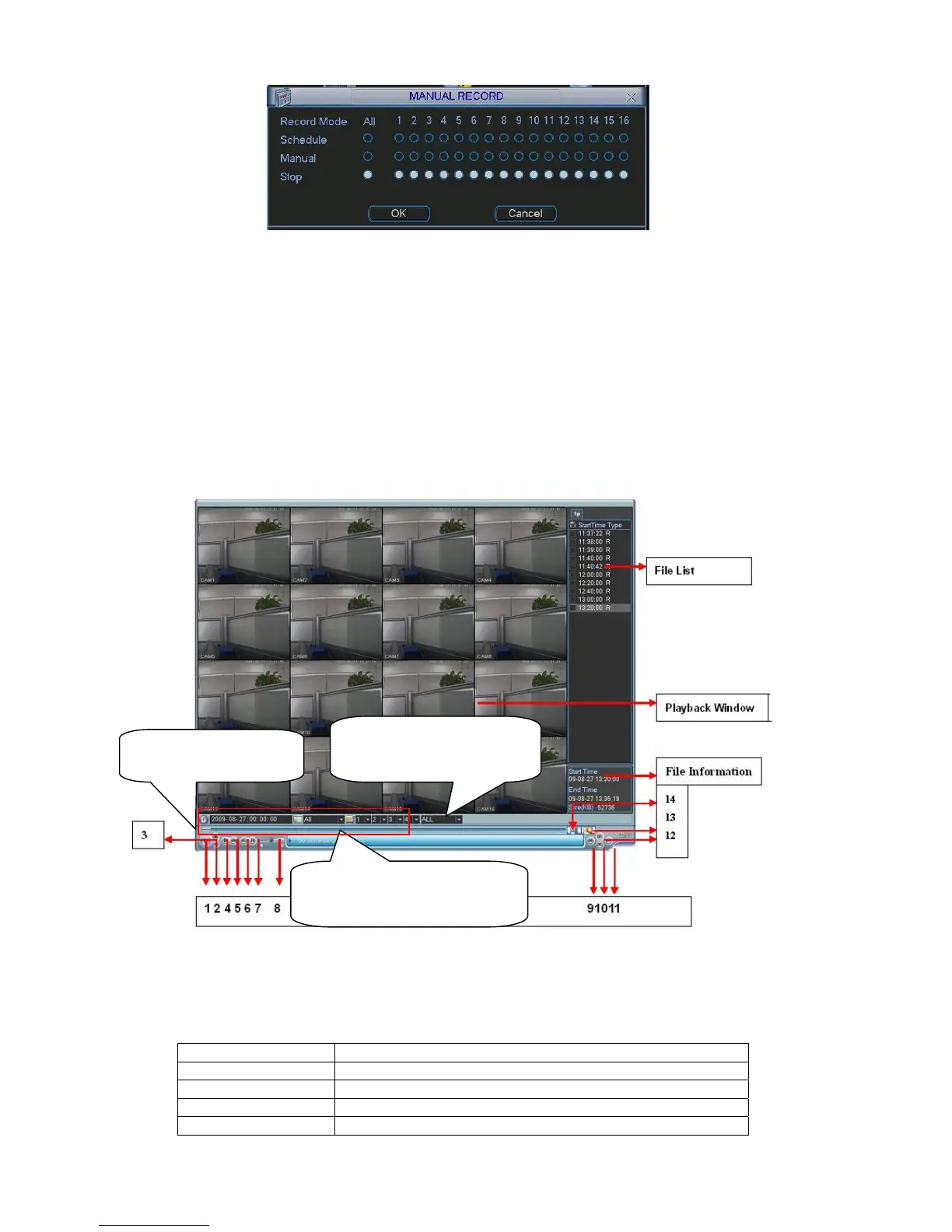
Click search button in the main menu, search interface is shown as below. See Figure 4-10.
Usually there are three file types:
z R: Regular recording file.
z A: External alarm recording file.
z M: Motion detection recording file
Figure 4-10
Please refer to the following sheet for more information.
Serial Number Function
1 Play
2 Backward
3 Stop
4 Slow play
Select playback mode
here: 4-ch or All-channel
Playback control bar
Set search setup
here :( Time/Channel/Type)



 To Next Page