72
Figure 5-34
5.5.8 Video Matrix
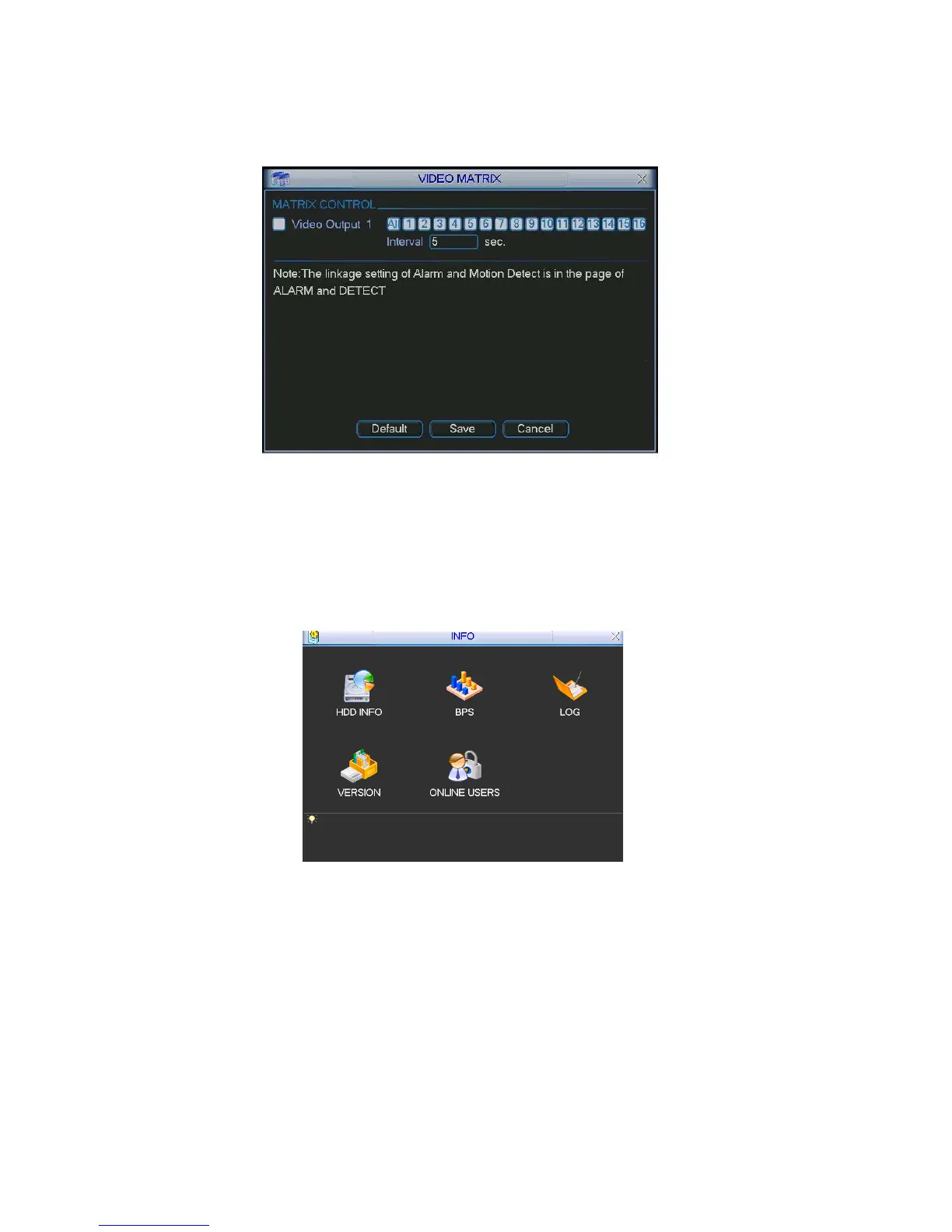
Here you can set matrix output channel and its interval. See Figure 5-35.
Figure 5-35
5.6 Information
Here is for you to view system information. There are total five items: HDD (hard disk information),
BPS (data stream statistics), Log and version, and online user.
Figure 5-36
5.6.1 HDD Information
Here is to list hard disk type, total space, free space, video start time and status. See X391H391H391HFigure 5-37.
○ means current HDD is normal. X means there is error. - means there is no HDD.
If disk is damaged, system shows as “?”. Please remove the broken hard disk before you add a new
one.
Once there is a hard disk confliction, please check hard disk time and system time is the same or not.
Please go to setting then general to modify system time. At last, reboot the system to solve this
problem.



 To Next Page