29
4 Overview of Navigation and Controls
Before operation, please make sure:
z You have properly installed HDD and all the cable connections.
z The provided input power and the device power are matched.
z The external power shall be: AC90~264V 50+2% Hz
z Always use the stable current, if necessary UPS is a best alternative measure.
4.1 Login, Logout & Main Menu
4.1.1 Login
After system booted up, default video display is in multiple-window mode.
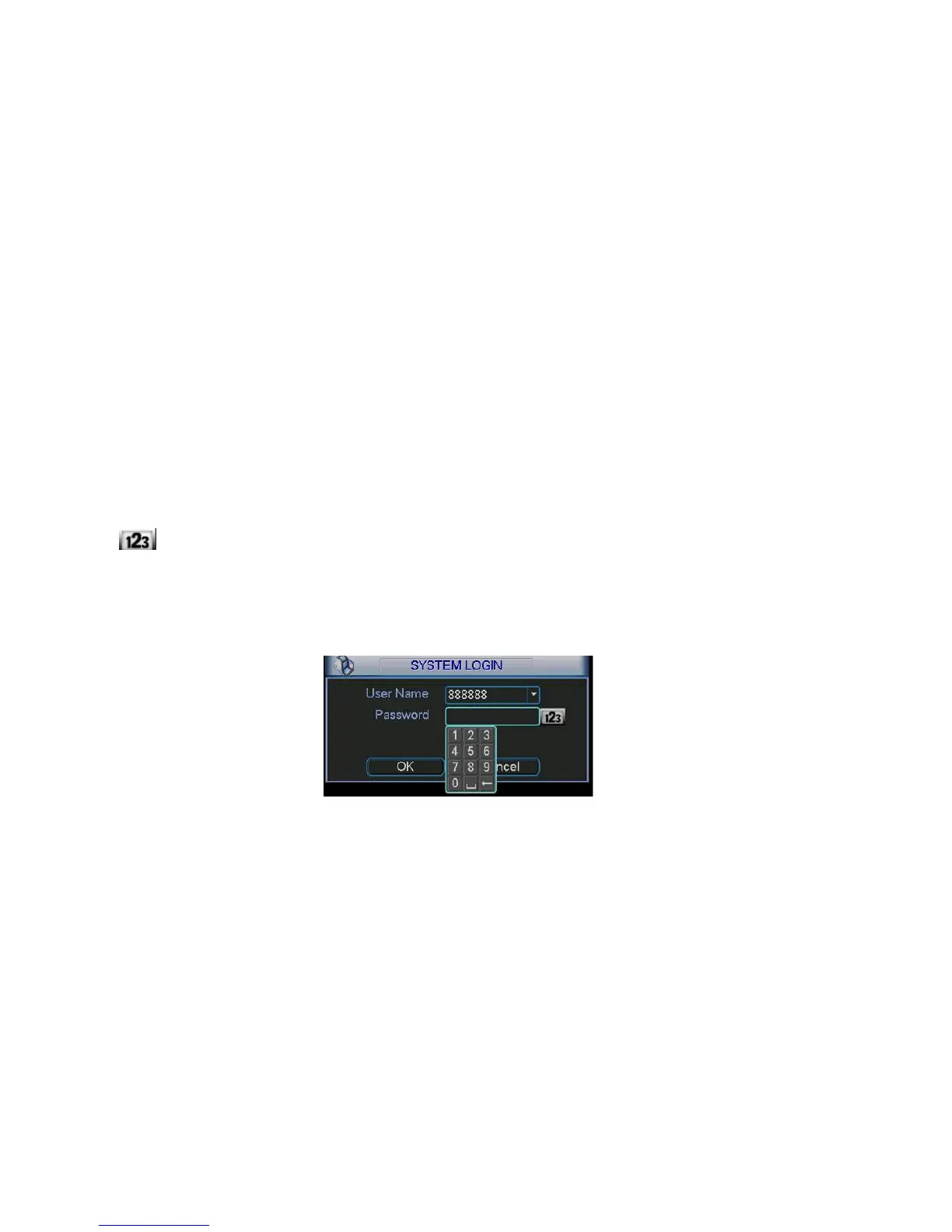
Click Enter or left click mouse, you can see the login interface. See
X291H291H291H298HFigure 4-1X.
System consists of four accounts:
z Username: admin. Password: admin. (administrator, local and network)
z Username: 888888. Password: 888888. (administrator, local only)
z Username: 666666. Passwords: 666666(Lower authority user who can only monitor, playback,
backup and etc.)
z Username: default. Password: default(hidden user)
You can use USB mouse, front panel, remote control or keyboard to input. About input method: Click
to switch between numeral, English character (small/capitalized) and denotation.
Note:
For security reason, please modify password after you first login.
Within 30 minutes, three times login failure will result in system alarm and five times login failure will
result in account lock!
Figure 4-1
4.1.2 Main Menu
After you logged in, the system main menu is shown as below. See X292H292H292H299HFigure 4-2.X
There are total six icons: search, information, setting, backup, advanced and shutdown.
You can move the cursor to highlight the icon, and then double click mouse to enter the sub-
menu.



 To Next Page