66
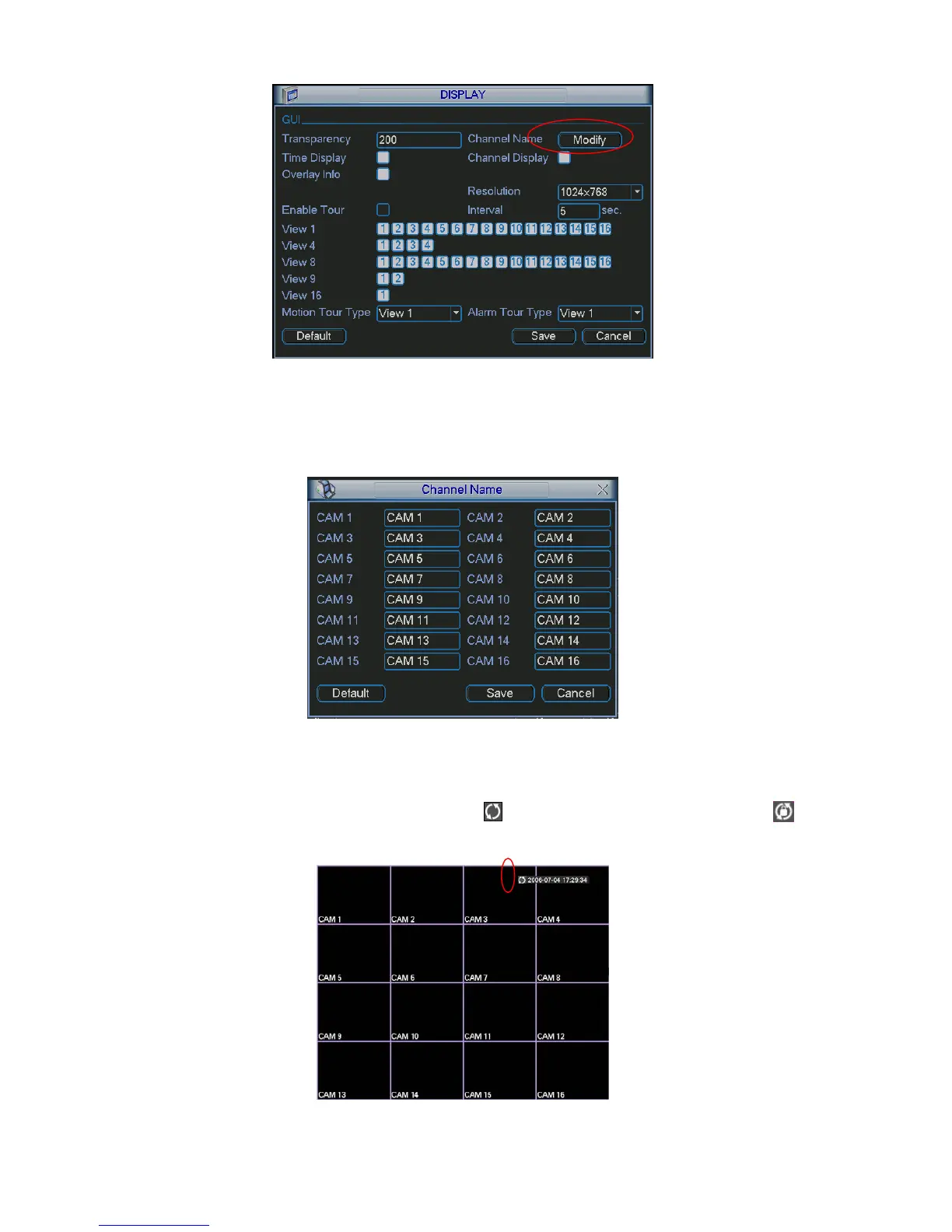
Figure 5-23
In X378H378H378HFigure 5-23, click modify button after channel. You can see an interface is shown as in X379H379H379HFigure 5-24X.
Please note all your modification here applies to local end only. You need to refresh web or client-
end to get the latest channel name. System max support 25-digital character.
Figure 5-24
In tour mode, you can see the following interface. On the right corner, right click mouse or click shift
button, you can control the tour. There are two icons:
stands for enabling window switch and
stands for enabling window function. See
X380H380H380HFigure 5-25.
Figure 5-25



 To Next Page