81
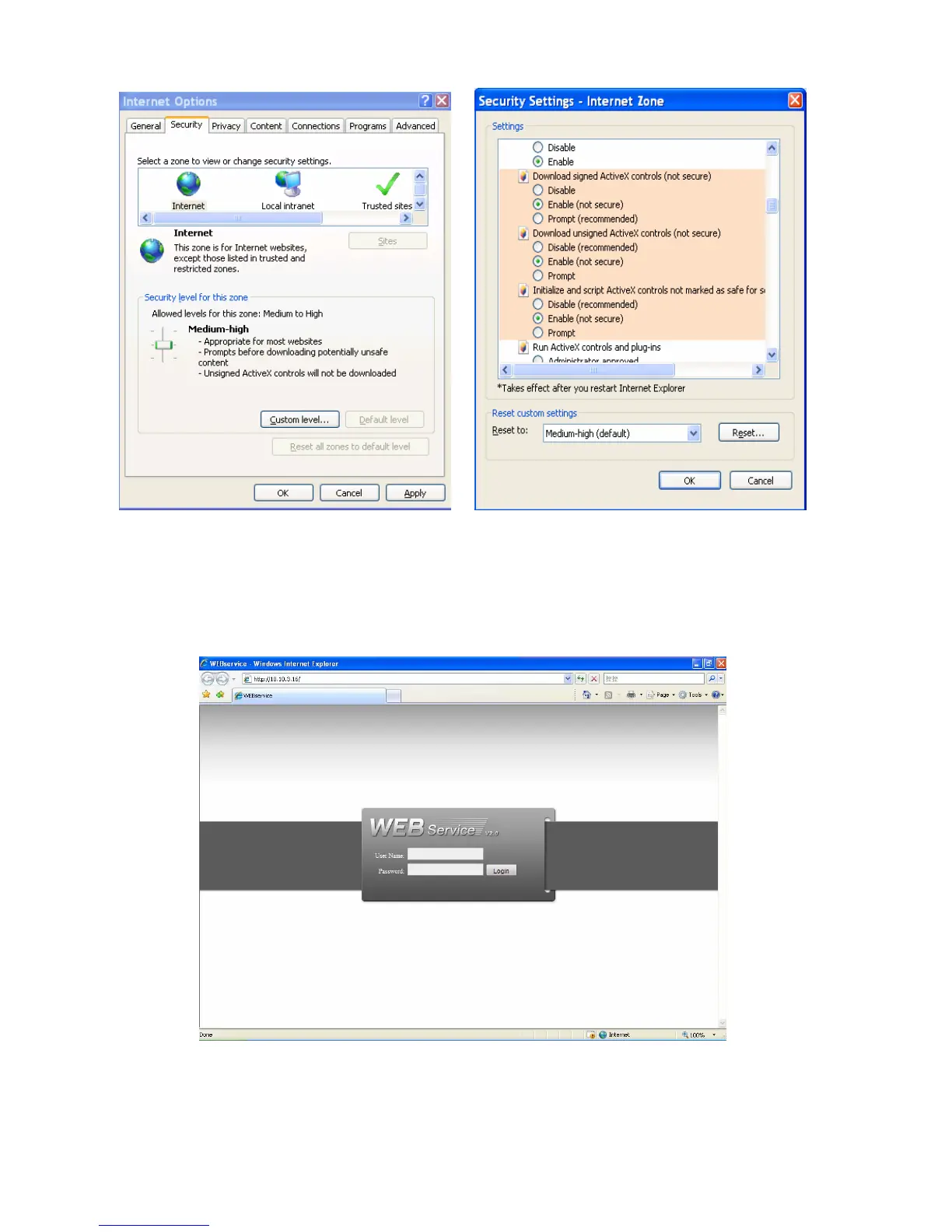
Figure 7-2
After installation, the interface is shown as below. See X430H430H430H372HFigure 7-3X.
Please input your user name and password.
Default factory name is admin and password is admin.
Note: For security reasons, please modify your password after you first login.
Figure 7-3
After you logged in, you can see the main window. See X431H431H431H373HFigure 7-6X.
This main window can be divided into the following sections.



 To Next Page