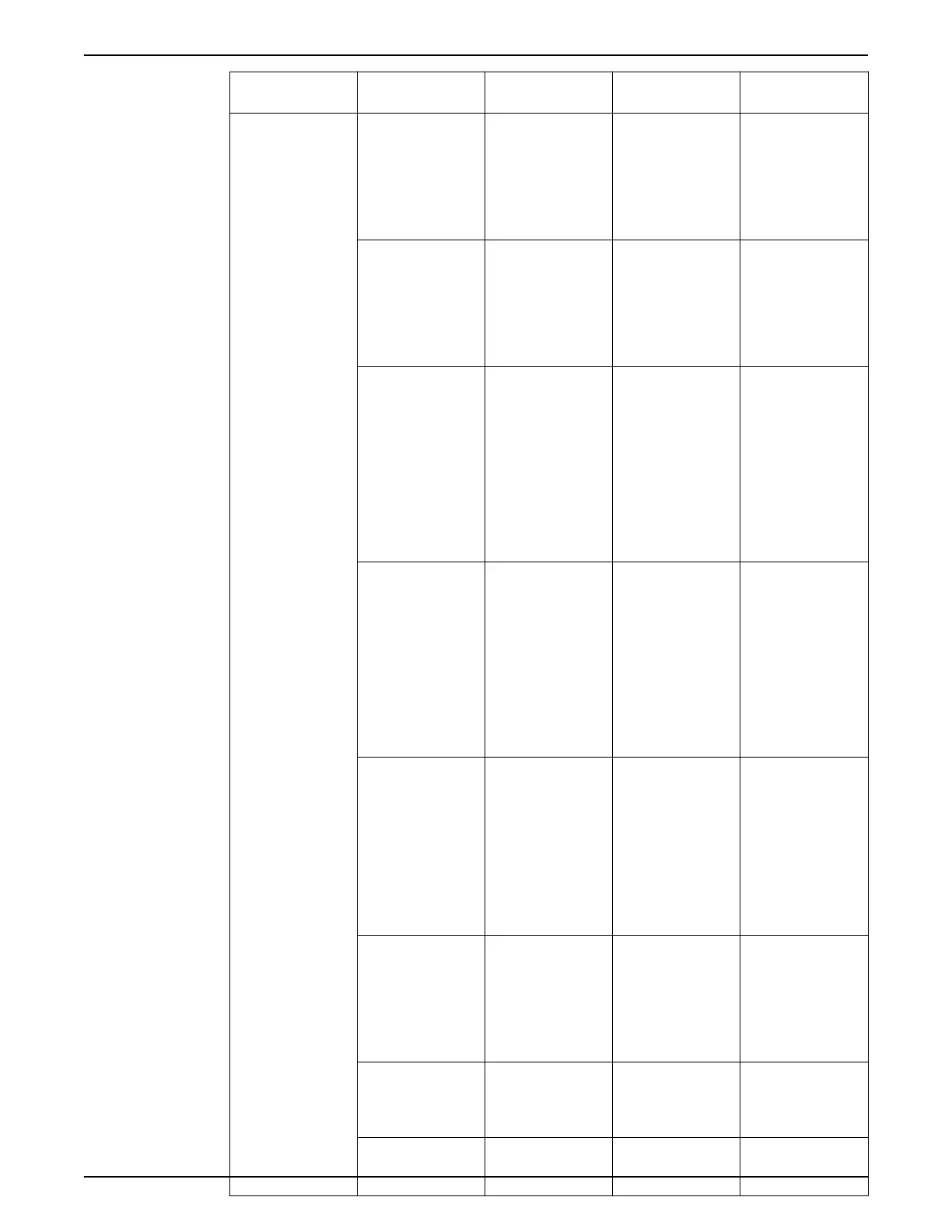
Terminal number Parameter number Default setting or
function
Description
Digital I/O 12, 13 – +24V DC 24V DC supply
voltage. Maximum
output current is
200mA total for all
24V loads. Usable for
digital inputs and
external transducers.
18 [5–10] [8] Start Start/Stop digital
input signal for the
drive. Connect input
to 24V to start. Open
the input to stop. This
is a required
connection.
19 [5–11] [0] No Operation Unused digital input.
This input can be
configured for use as
a Pump Protect/
External Interlock
Warning or Alarm
Input. See Pump
protect to enable the
Warning or Alarm
associated with this
input.
27 [5–12] [0] No Operation Unused digital input.
This input can be
configured for use as
a Pump Protect/
External Interlock
Warning or Alarm
Input. See Pump
protect to enable the
Warning or Alarm
associated with this
input.
29 [5–13] [63] Comparator 3 Selectable for digital
input or output.
Default configuration
is an output that is
configured for use as
a No Water/Loss of
Prime Restart signal.
Refer to the Pump
Protection section for
details.
32 [5–14] [1] Reset Digital input.
Configured for use as
a Reset for the No
Water/Loss of Prime
Restart function. Refer
to Pump protect for
details.
33 [5–15] [23] SP1/SP2 Select Digital input.
Configured for use as
a Setpoint 1/Setpoint
2 select (SP1/SP2).
20 – Common Common for digital
inputs and reference
for 24V supply
5 Electrical Installation
Aquavar
®
Intelligent Pump Controller - 150 HP to 600 HP INSTRUCTION MANUAL 61







 To Next Page