EasyManua.ls Logo

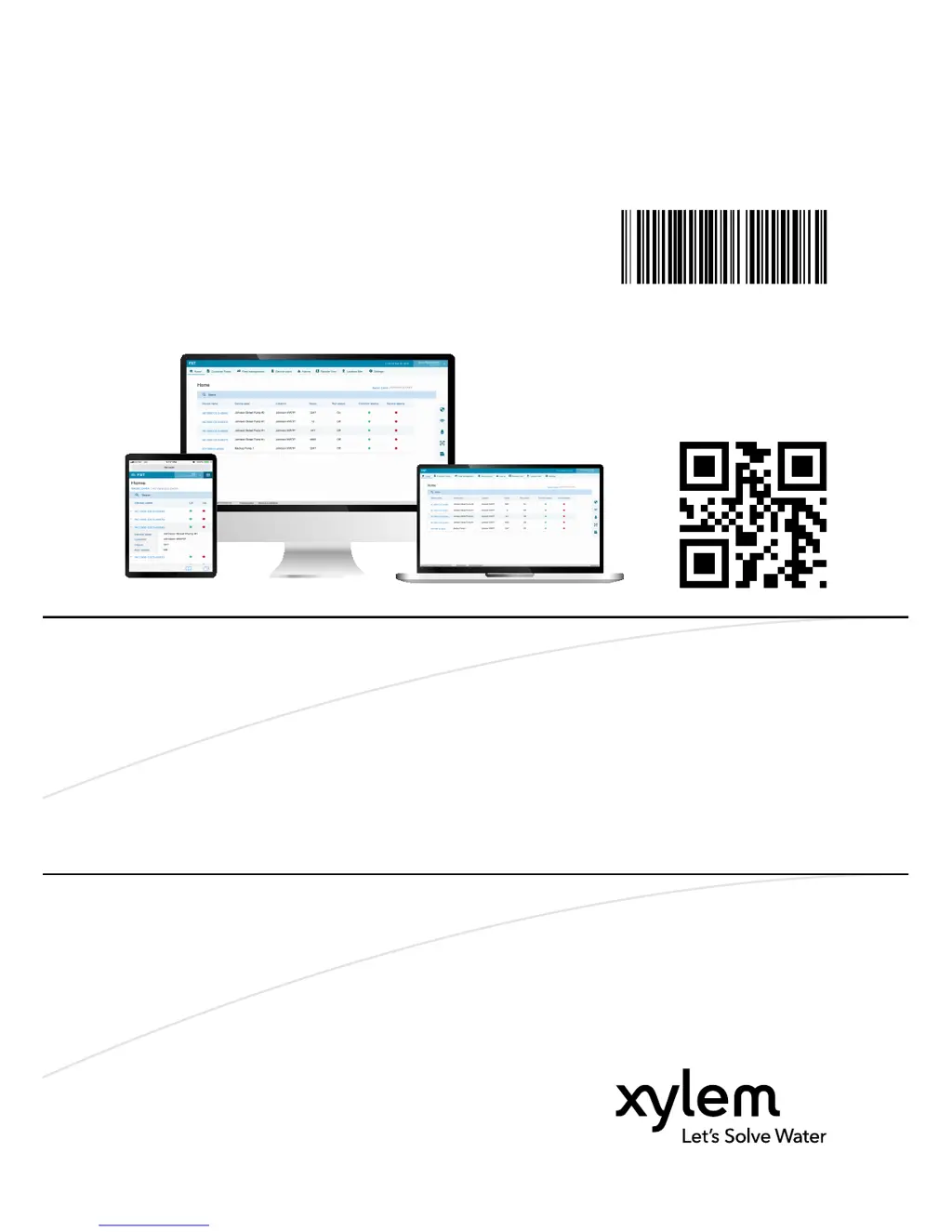
Xylem FST - User Manual

Xylem FST
48 pages
Print Icon
To Next Page IconTo Next Page
Loading...
Installation, Operation, and
Maintenance Manual
887673_1.0
FST

Table of Contents

Questions and Answers

  • C
    Crystal SullivanAug 3, 2025
    What to do if LED5 PWR is On but LED1 MODEM PWR and LED2 MODBUS COMM are Off on my Xylem Control Unit?
    • R
      rjohnsonAug 3, 2025
      If the LED5 PWR is On, but both LED1 MODEM PWR and LED2 MODBUS COMM are Off, try the following steps: 1. Disconnect the wiring harness from the FST module. 2. Wait 10 seconds. 3. Reconnect the wiring harness to the FST module. 4. Wait 60 seconds to allow communication to establish. If the issue continues after these steps, then return the unit.
  • S
    Selena PowersAug 13, 2025
    What to do if LED5 PWR, LED1 MODEM PWR and LED2 MODBUS COMM are Off on my Xylem FST?
    • C
      Caleb WadeAug 13, 2025
      If all LEDs (LED5 PWR, LED1 MODEM PWR, and LED2 MODBUS COMM) are Off, follow these steps: 1. Check the 5 A fast-acting fuse and replace it if necessary. 2. Check the voltage between Batt + and Batt -. 3. If the problem continues, return the unit.
  • T
    Thomas RyanAug 23, 2025
    How to fix Xylem FST Control Unit when LED5 PWR is On, LED1 MODEM PWR blinks, and LED2 MODBUS COMM is Off?
    • J
      Jamie HernandezAug 23, 2025
      If the LED5 PWR is On, LED1 MODEM PWR is blinking, and LED2 MODBUS COMM is Off, verify that the PrimeGuard 2 or PV102P control panel is programmed correctly. Consult the PrimeGuard 2 or PV102P configuration for detailed instructions.

Summary

Introduction and Safety

Safety Terminology and Symbols

Explains hazard levels, safety messages, and special symbols used in the manual.

User Safety Guidelines

Covers electrical safety, qualifications, and general safety precautions for operating the unit.

Product Description

Key FST Module Features

Lists the primary capabilities of the FST module, including monitoring and remote control.

Mechanical Installation

Mechanical Installation Precautions

Safety instructions and general precautions before performing mechanical installation.

Preparing for Open Engine Unit Installation

Steps for drilling holes to prepare an open engine unit for mounting the FST module.

FST Module Mounting Procedure

Step-by-step guide for physically installing the FST module onto the mounting frame.

Electrical Installation

Electrical Installation Safety Precautions

Crucial safety warnings and procedures for electrical connections and handling.

Wiring Harness to Control Panel Connection

Details on connecting the FST module's wiring harness to the PrimeGuard 2 or PV102P control panel.

System Setup

Communication Parameter Configuration

Steps to configure communication settings like Modbus address and baud rate.

Analog Input Parameter Configuration

Guides for setting up analog inputs for transducers and flowmeters.

Operation

Alarm Management and Acknowledgment

How to view, acknowledge, and manage alarms generated by the system.

Control Panel Remote Operation

Operating the device remotely via the control panel interface.

Maintenance

Maintenance Safety Precautions

Essential safety warnings before performing any maintenance tasks on the unit.

Troubleshooting

Troubleshooting Safety Precautions

Critical safety advice and warnings before starting troubleshooting.

LED Status Indicators and Remedies

Interpretation of LED status lights and corresponding troubleshooting steps.

Technical Reference

Circular Connector Terminal Assignments

Pinout details for the FST module's circular connector.

I;O Board Pinout Details

Detailed description of the pin assignments on the FST module's I/O board.

Xylem FST Specifications

General IconGeneral
BrandXylem
ModelFST
CategoryControl Unit
LanguageEnglish

Related product manuals