Page 79FT-950 OPERATING MANUAL
CW CONVENIENCE FEATURES
CONTEST MEMORY KEYER
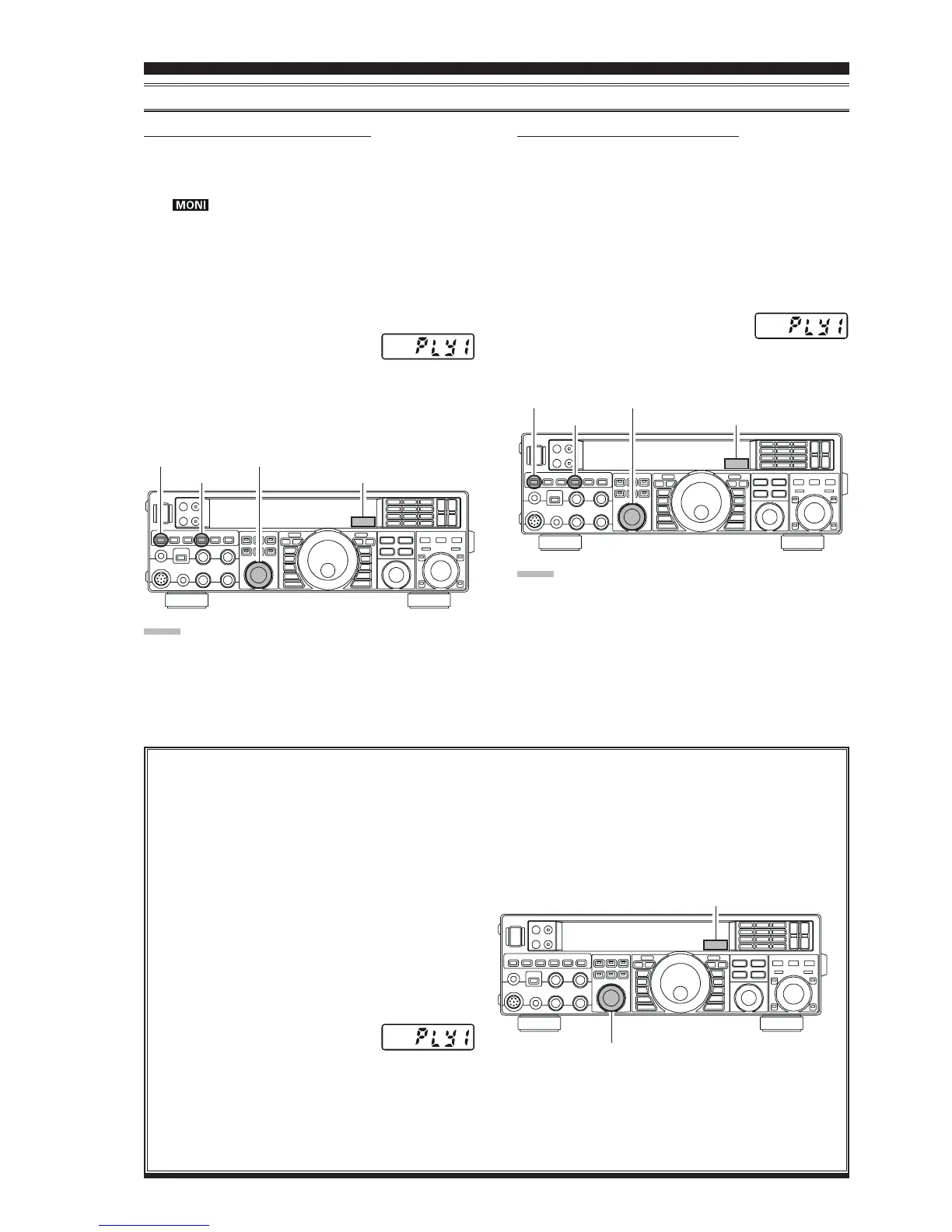
CHECKING THE CW MEMORY CONTENTS
1. Be sure that Break-in is still turned “Off” by the
[
BK-IN
]
button.
2. Press the
[
MONI
]
button to enable the CW monitor. A
“ ” icon will appear in the display.
3. Press and hold the
[
SELECT
]
knob for one second to
activate the Contest Memory Keyer. You will see one
of following indications in Multi-Display Window on
the display; “
rEC1rEC1
rEC1rEC1
rEC1”, “
rEC2rEC2
rEC2rEC2
rEC2”, “
rEC3rEC3
rEC3rEC3
rEC3”, “
rEC4rEC4
rEC4rEC4
rEC4”, “
rEC5rEC5
rEC5rEC5
rEC5”,
“
PLY1PLY1
PLY1PLY1
PLY1”, “
PLY2PLY2
PLY2PLY2
PLY2”, “
PLY3PLY3
PLY3PLY3
PLY3”, “
PLY4PLY4
PLY4PLY4
PLY4”, or “
PLY5PLY5
PLY5PLY5
PLY5”.
4. Rotate the
[
SELECT
]
knob to select the CW Memory
Register (“
PLY1PLY1
PLY1PLY1
PLY1” through “
PLY5PLY5
PLY5PLY5
PLY5”)
in which you wish to check the mes-
sage.
5. Press the
[
SELECT
]
knob momentarily. You will hear
the results in the sidetone monitor, but no RF energy
will be transmitted.
ON-THE-AIR CW MESSAGE PLAYBACK
1. Press the
[
BK-IN
]
button to enable transmission. Ei-
ther Full- or Semi-break-in will be engaged, depend-
ing on the setting of Menu item “
043 A1A BK-IN043 A1A BK-IN
043 A1A BK-IN043 A1A BK-IN
043 A1A BK-IN.”
2. Press and hold the
[
SELECT
]
knob for one second to
activate the Contest Memory Keyer. You will see one
of following indications in Multi-Display Window on
the display; “
rEC1rEC1
rEC1rEC1
rEC1”, “
rEC2rEC2
rEC2rEC2
rEC2”, “
rEC3rEC3
rEC3rEC3
rEC3”, “
rEC4rEC4
rEC4rEC4
rEC4”, “
rEC5rEC5
rEC5rEC5
rEC5”,
“
PLY1PLY1
PLY1PLY1
PLY1”, “
PLY2PLY2
PLY2PLY2
PLY2”, “
PLY3PLY3
PLY3PLY3
PLY3”, “
PLY4PLY4
PLY4PLY4
PLY4”, or “
PLY5PLY5
PLY5PLY5
PLY5”.
3. Rotate the
[
SELECT
]
knob to select the CW Memory
Register (“
PLY1PLY1
PLY1PLY1
PLY1” through “
PLY5PLY5
PLY5PLY5
PLY5”)
that you wish to transmit.
4. Press the
[
SELECT
]
knob momentarily. The pro-
grammed message will be transmited on the air.
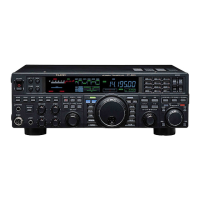
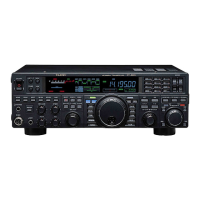
[
BK-IN
]
Button
[
SELECT
]
Knob
Multi-Display Window
[
MONI
]
Button
Transmitting in the Beacon Mode
It is possible to transmit repetitively in a “Beacon” mode, any message programmed either via paddle input or via
the “Text” input method. The time delay between message repeats may be set anywhere between 1 and 255 seconds
via Menu item “
016 KEY BEACON016 KEY BEACON
016 KEY BEACON016 KEY BEACON
016 KEY BEACON”. If you do not wish the message to repeat in a “Beacon” mode, please set this
Menu item to “
OFFOFF
OFFOFF
OFF”.
To transmit the message:
1. Press and hold the
[
SELECT
]
knob for two sec-
onds to activate the Contest Memory Keyer. You
will see one of following indication in Multi-Dis-
play Window on the display; “
rEC1rEC1
rEC1rEC1
rEC1”, “
rEC2rEC2
rEC2rEC2
rEC2”,
“
rEC3rEC3
rEC3rEC3
rEC3”, “
rEC4rEC4
rEC4rEC4
rEC4”, “
rEC5rEC5
rEC5rEC5
rEC5”, “
PLY1PLY1
PLY1PLY1
PLY1”, “
PLY2PLY2
PLY2PLY2
PLY2”,
“
PLY3PLY3
PLY3PLY3
PLY3”, “
PLY4PLY4
PLY4PLY4
PLY4”, or “
PLY5PLY5
PLY5PLY5
PLY5”.
2. Rotate the
[
SELECT
]
knob to select the CW
Memory Register (“
PLY1PLY1
PLY1PLY1
PLY1”
through “
PLY5PLY5
PLY5PLY5
PLY5”) where the Bea-
con message is stored.
3. Press the
[
SELECT
]
knob momentarily. Repeti-
tive transmission of the Beacon message will be-
gin. Press the
[
SELECT
]
knob once more to halt
the Beacon transmissions.
NOTE:
Adjust the sidetone monitor level using the
[
MONI
]
knob.
NOTE:
If you subsequently decide to use the “Text Memory” tech-
nique for memory storage, please note that the contents of
a message stored using keyer paddle input will not be trans-
ferred over when you select “Text Memory technique” on
a particular memory register (the Menu Mode Setting is
set to “
tyP1tyP1
tyP1tyP1
tyP1”).
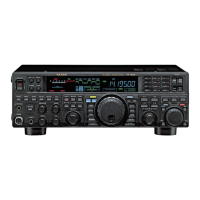
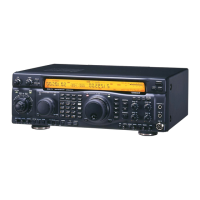
[
BK-IN
]
Button
[
SELECT
]
Knob
Multi-Display Window
[
MONI
]
Button
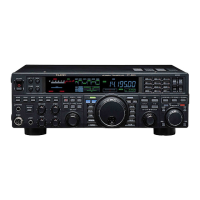
[
SELECT
]
Knob
Multi-Display Window





 To Next Page