Page 83FT-950 OPERATING MANUAL
MESSAGE MEMORY PROGRAMMING
(
USING YOUR PADDLE
)
1. Set the operating mode to CW.
2. Set the
[
BK-IN
]
button to “Off”.
3. Turn the internal Electronic Keyer “On” by pressing
the
[
KEYER
]
button, if necessary.
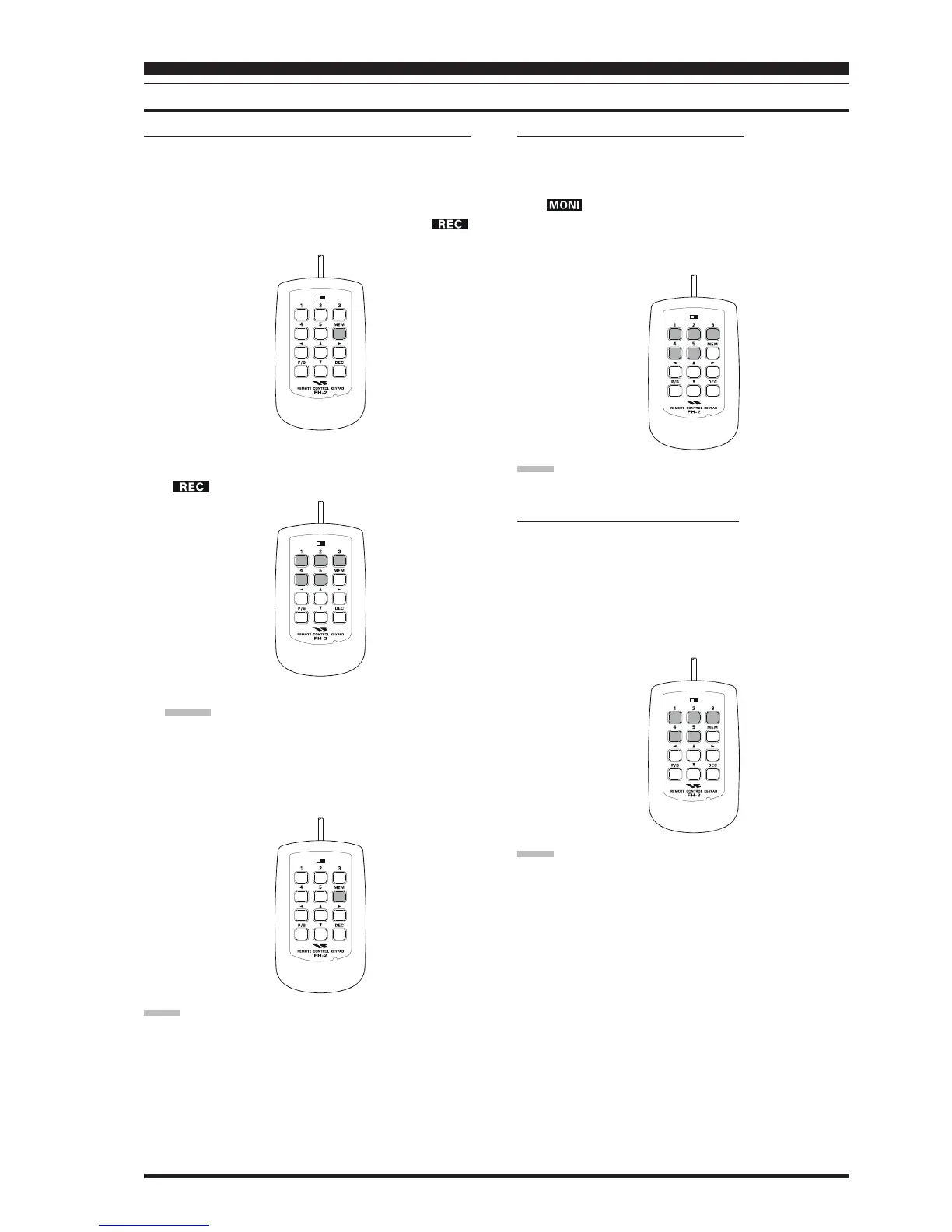
4. Press the
[
MEM
]
key on the FH-2. A blinking “ ”
icon will appear in the display.
5. Press any of the FH-2’s keys numbered
[
1
]
through
[
5
]
to begin the memory storage process, and the
“ ” icon will glow steadily.
6. Send the desired message using your keyer paddle.
ADVICE:
If you do not start keying within ten seconds, the
memory storage process will be cancelled.
7. Press the
[
MEM
]
key on the FH-2 once more at the
end of your message. Up to 50 characters may be stored
in each of the five memories.
NOTE:
You must exercise care in sending to ensure that the spaces
between letters and words are accurately done; if your tim-
ing is off, the spacing may not come out right in the stored
message. For ease in setting up the keyer memories, we
recommend you set Menu item “
037 A1A F-TYPE037 A1A F-TYPE
037 A1A F-TYPE037 A1A F-TYPE
037 A1A F-TYPE” and/
or “
039 A1A R-TYPE039 A1A R-TYPE
039 A1A R-TYPE039 A1A R-TYPE
039 A1A R-TYPE” to “
ACSACS
ACSACS
ACS” (Automatic Character
Spacing) while you are programming the keyer memories.
CW CONVENIENCE FEATURES
CONTEST MEMORY KEYER
(
USING THE OPTIONAL FH-2 REMOTE CONTROL KEYPAD
)
LOCK
OFFON
LOCK
OFFON
LOCK
OFFON
CHECKING THE CW MEMORY CONTENTS
1. Be sure that Break-in is still turned “Off” by the
[
BK-IN
]
button.
2. Press the
[
MONI
]
button to enable the CW monitor. A
“ ” icon will appear in the display.
3. Press the FH-2’s
[
1
]
~
[
5
]
key whichever one you just
recorded in. You will hear the results in the sidetone
monitor, but no RF energy will be transmitted.
NOTE:
You may adjust the monitor level using the
[
MONI
]
knob.
ON-THE-AIR CW MESSAGE PLAYBACK
1. Press the
[
BK-IN
]
button to enable transmission. Ei-
ther Full- or Semi-break-in will be engaged, depend-
ing on the setting of Menu item “
043 A1A BK-IN043 A1A BK-IN
043 A1A BK-IN043 A1A BK-IN
043 A1A BK-IN”.
2. Press the FH-2’s
[
1
]
~
[
5
]
key, depending on which
CW Memory Register’s message you wish to transmit.
The programmed message will be transmitted on the
air.
NOTE:
If you subsequently decide to use the “Text Memory” tech-
nique for memory storage, please note that a message stored
using keyer paddle input will not be transferred over when
you select “Text Memory technique” on a particular
memory register (the Menu Mode Setting is set to “
tyP1tyP1
tyP1tyP1
tyP1”).
LOCK
OFFON
LOCK
OFFON













 To Next Page