125
Feature Reference — Utility Mode
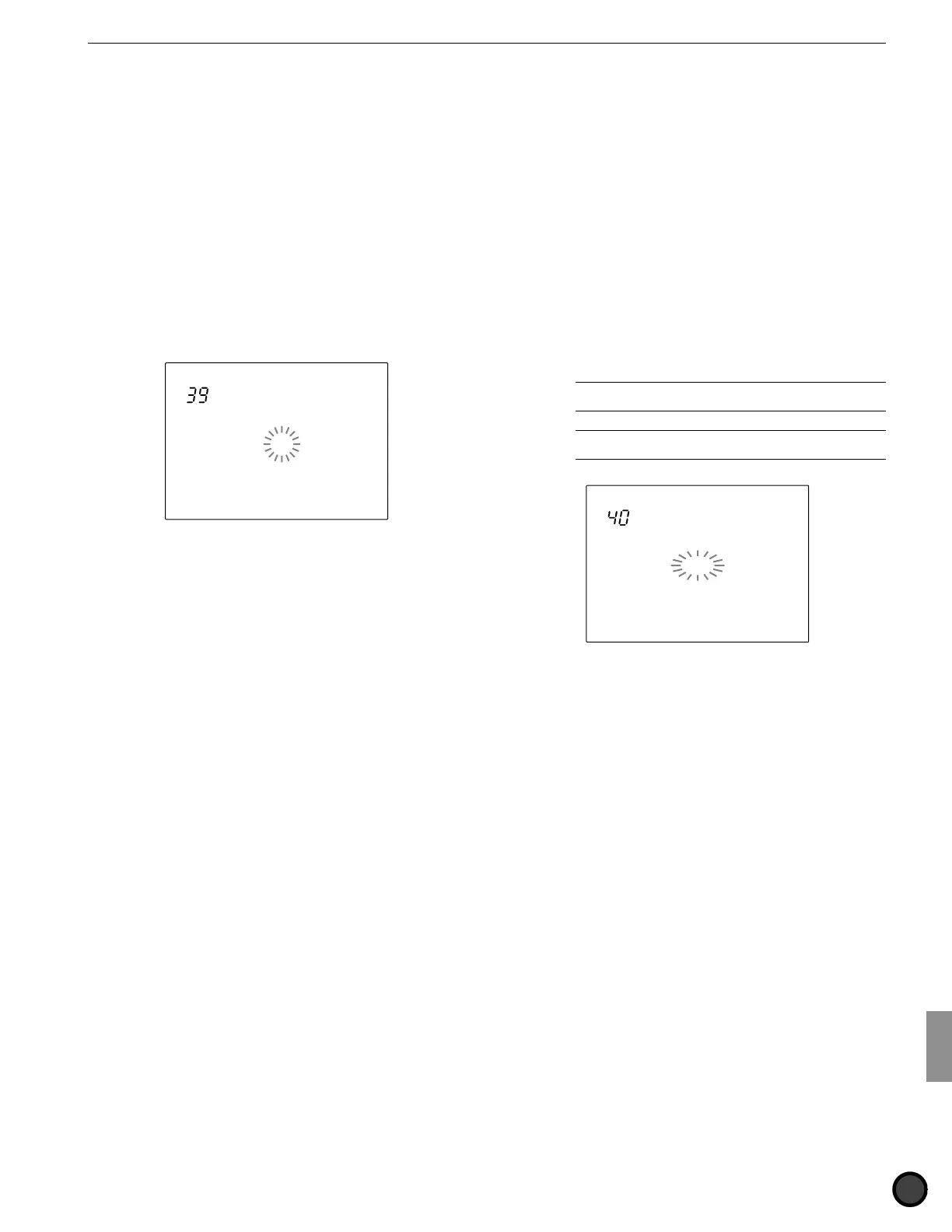
39 MIDIctrl (MIDI control)
This sets the DTX to transmit or receive system
real-time messages (start, continue, stop).
When this function is enabled, you can control
the external sequencers or rhythm machines
using the START/STOP button on the DTX
panel as well as control the DTX pattern or
song playback from an external sequencer.
Rotate the Data Scroll Wheel or use the +1/YES
and -1/NO buttons to turn the function on or
off. When the function is on, it will transmit or
receive the system real-time messages. Turn the
function off when not in use.
MISC.
SNARE
KICK
CYMBAL
MIDIctrl
= on
Settings:
off, on
40 SyncMode (synchronization mode)
This synchronizes the DTX with the external
MIDI devices such as the rhythm machine.
Rotate the Data Scroll Wheel or use the +1/YES
and -1/NO buttons to set the SyncMode. The
following two modes are available:
int ................. Enables you to start/stop/continue/tempo
and synchronize the playback of an
external MIDI device from the DTX.
ext ................ Enables you to control the start/stop/
continue/tempo and synchronize the
pattern or song playback of the DTX from
an external MIDI device.
A
Set the function to int if you are not playing in sync with
an external MIDI device.
A
It is necessary to first enable the transmission/reception
of System Real-time Message (start/stop/continue).
MISC.
SNARE
KICK
CYMBAL
SyncMode
= int
Settings:
int, ext



 To Next Page