90
Feature Reference — Pattern Job Mode
1 Copy (Pat/Dest): pattern copy
This copies a specific preset or user pattern to a
different user pattern number.
This is convenient in creating a new pattern
based on an existing pattern.
! Choose the preset style or user pattern by
rotating the Data Scroll Wheel or using the
+1/YES and -1/NO buttons.
A
It is necessary to specify the section (P.73) before
selecting a preset style to copy.
PATTERN
MISC.
SNARE
KICK
CYMBAL
Copy Pat
RP FunkS
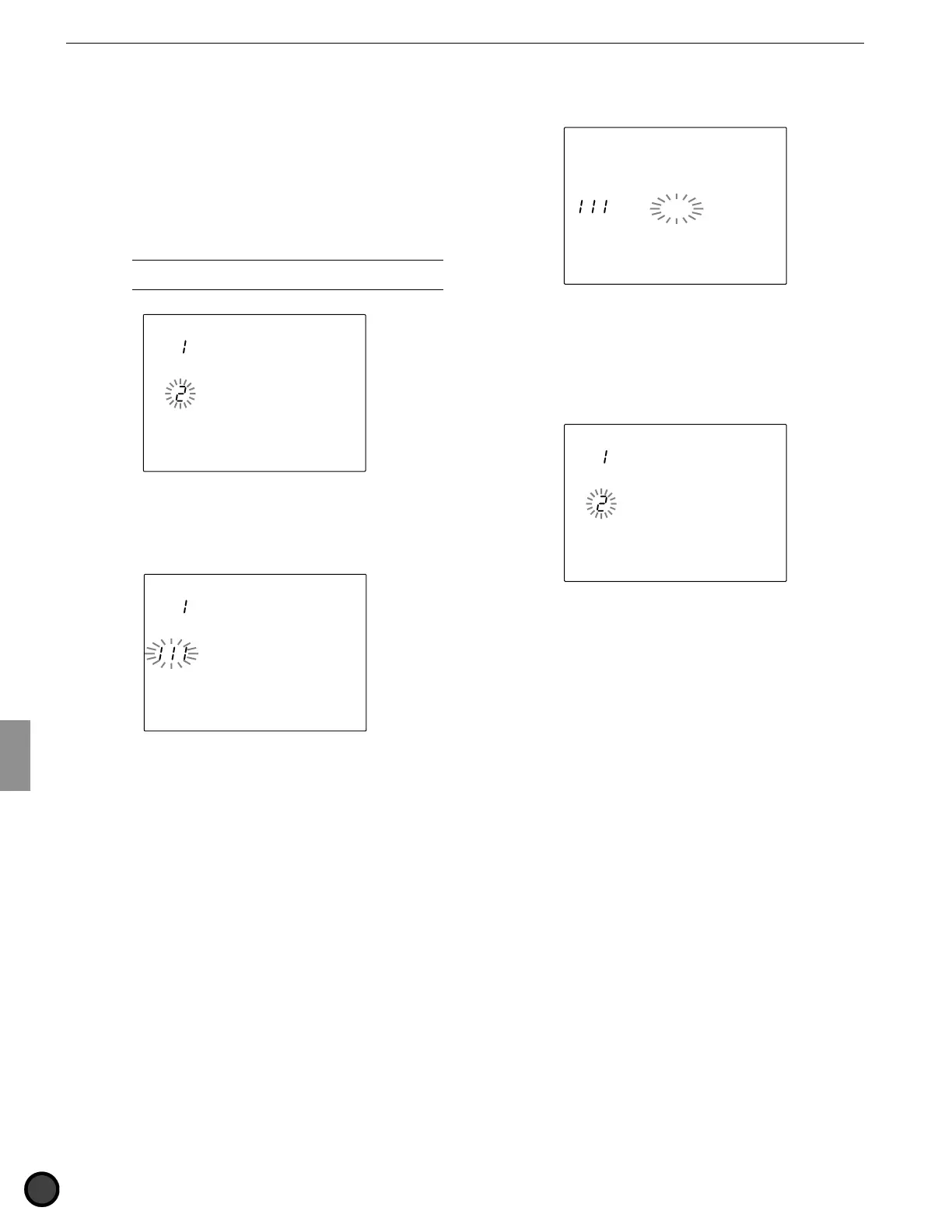
" Press the START/STOP button to select the
CopyDest (copy destination) of the user
pattern.
PATTERN
MISC.
SNARE
KICK
CYMBAL
CopyDest
Init Pat
# Rotate the Data Scroll Wheel or use the +1/
YES and -1/NO buttons to choose the
number of the user pattern.
$ Press the START/STOP button and the LCD
will display “Sure? y/n.”
PATTERN
MISC.
SNARE
KICK
CYMBAL
Copy Pat
Sure?y/n
% Press the +1/YES button to copy. The
display will return to the original (Copy Pat
display page).
Press the -1/NO button to cancel a copy and
the display will return to the first page.
PATTERN
MISC.
SNARE
KICK
CYMBAL
Copy Pat
RP FunkS
Settings:
Copy source: preset style (1 to 110) x 6 sections, user
pattern (111 to 210).
Copy destination: user pattern (111 to 210).



 To Next Page