30
Feature Reference — Drum Kit Play Mode
Y
A
M
A
H
A
D
R
U
M
T
R
I
G
G
E
R
M
O
D
U
L
E
D
T
X
Drum Kit Play Mode
This mode enables you to play the DTX drum voices from connected pads and triggers. You can choose
from 64 drum kits.
○○○○○○○○○○○○○○○○○○○○○○○○○○○○○○○○○○○○○○○○○○○○○○○○○○○○○○○○○○○○○○○○○
Entering Drum Kit Play Mode
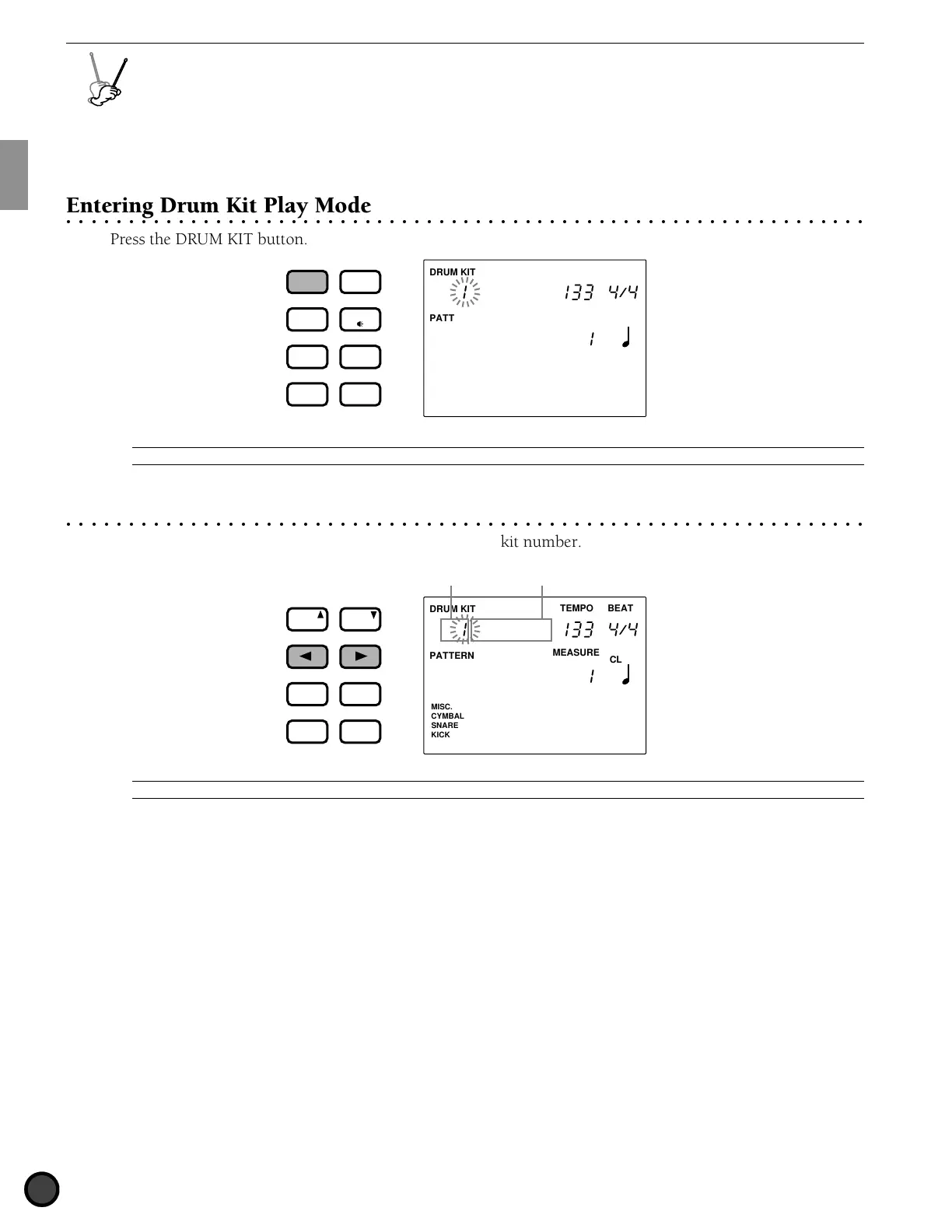
Press the DRUM KIT button.
DRUM KIT
PATTERN
MISC.
SNARE
KICK
CYMBAL
TEMPO BEAT
MEASURE
CLICK
Acoustic
DRUM
KIT
VOICE
TRIGGER
UTILITY
STORE
PATTERN
SONG
CHAIN
A
The Drum Kit Play mode is displayed in the same format as the Pattern Play mode (or Song Play mode).
○○○○○○○○○○○○○○○○○○○○○○○○○○○○○○○○○○○○○○○○○○○○○○○○○○○○○○○○○○○○○○○○○
Selecting a Drum Kit
! Use the Q cursor buttons to select the drum kit number.
DRUM KIT
PATTERN
MISC.
SNARE
KICK
CYMBAL
TEMPO BEAT
MEASURE
CLICK
Acoustic
Drum kit nameDrum kit number
PAGE
ERASE
SHIFT
+
1/YES
−
1/NO
TEMPO
MAIN B
FILL BA
ENDING
MAIN A
FILL AB
INTRO
PAGE
A
The drum kit number is automatically selected and blinks when you enter Drum Kit Play mode.



 To Next Page