82
Feature Reference — Pattern Record Mode
○○○○○○○○○○○○○○○○○○○○○○○○○○○○○○○○○○○○○○○○○○○○○○○○○○○○○○○○○○○○○○○○○
4. Selecting the Type of Recording
*This step is not necessary if you have chosen a chord track or bass track to record. Skip this step and move
on to step 5.
If you have chosen the rhythm track to record, you can choose the type of recording.
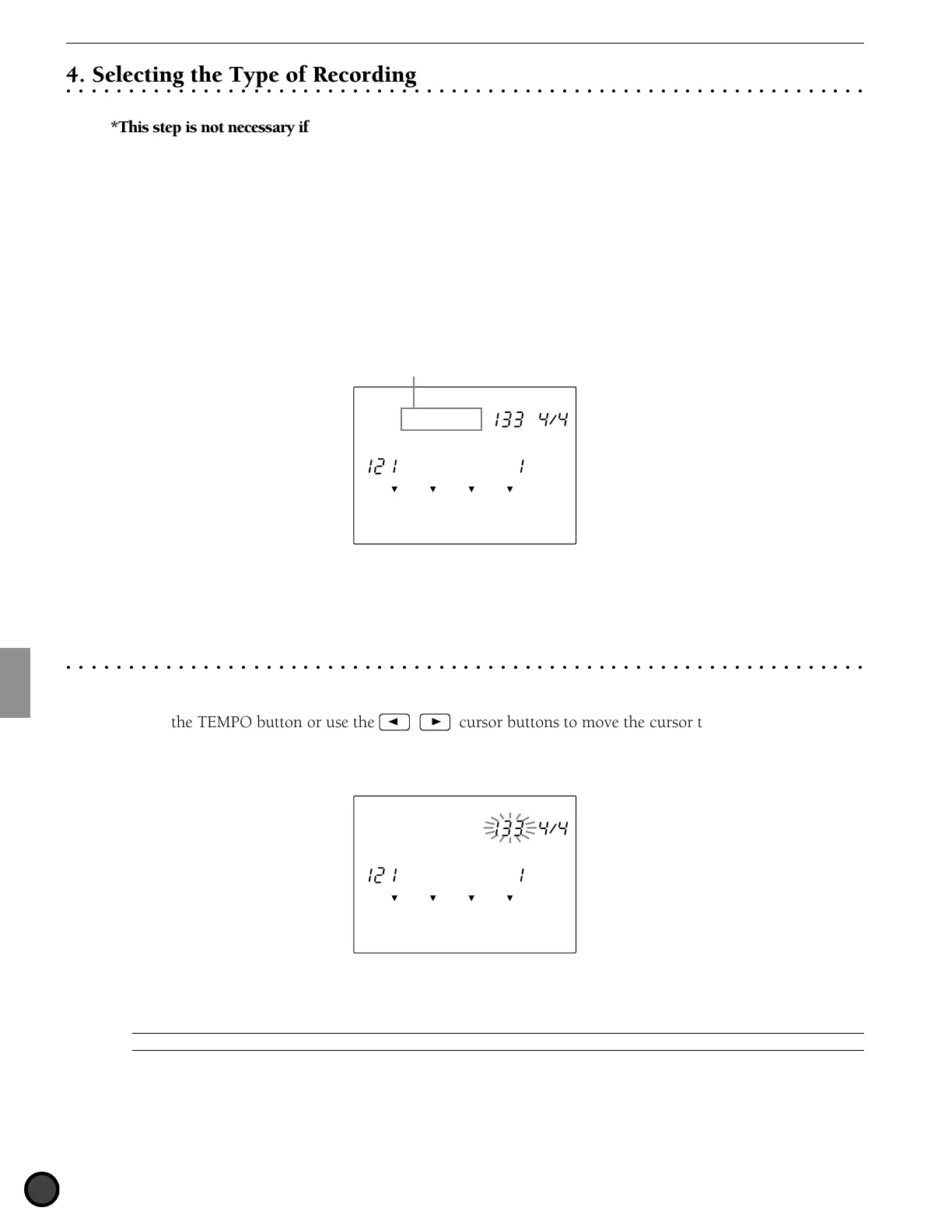
Move the cursor to the type of recording focus area and choose the type by rotating the Data Scroll Wheel or
using the +1/YES and -1/NO buttons. You can choose from the following:
Real-time: A recording to record the input from pads or drums connected to the DTX. This method is the
same as recording a chord track or bass track.
Step Rec (step recording): A type of recording where you specify each drum voice to a beat one at a time
while checking the data focus area on the LCD.
OFF
PATTERN
MISC.
SNARE
KICK
CYMBAL
TEMPO BEAT
MEASURE QUANT.
Realtime
REC Mode
Recording method
The following operations are necessary for real-time recording. If you have selected step recording, skip to
P.85.
○○○○○○○○○○○○○○○○○○○○○○○○○○○○○○○○○○○○○○○○○○○○○○○○○○○○○○○○○○○○○○○○○
5. Setting the Tempo
Set the tempo for real-time recording.
! Press the TEMPO button or use the Q cursor buttons to move the cursor to the tempo focus area.
" Rotate the Data Scroll Wheel or use the +1/YES and -/NO buttons to set the tempo.
OFF
PATTERN
MISC.
SNARE
KICK
CYMBAL
TEMPO BEAT
MEASURE QUANT.
Realtime
REC Mode
Settings:
Tempo: [ = 30 to 299
A
You can only set the tempo of a pattern that does not contain any data.



 To Next Page