Getting Started
20
5.
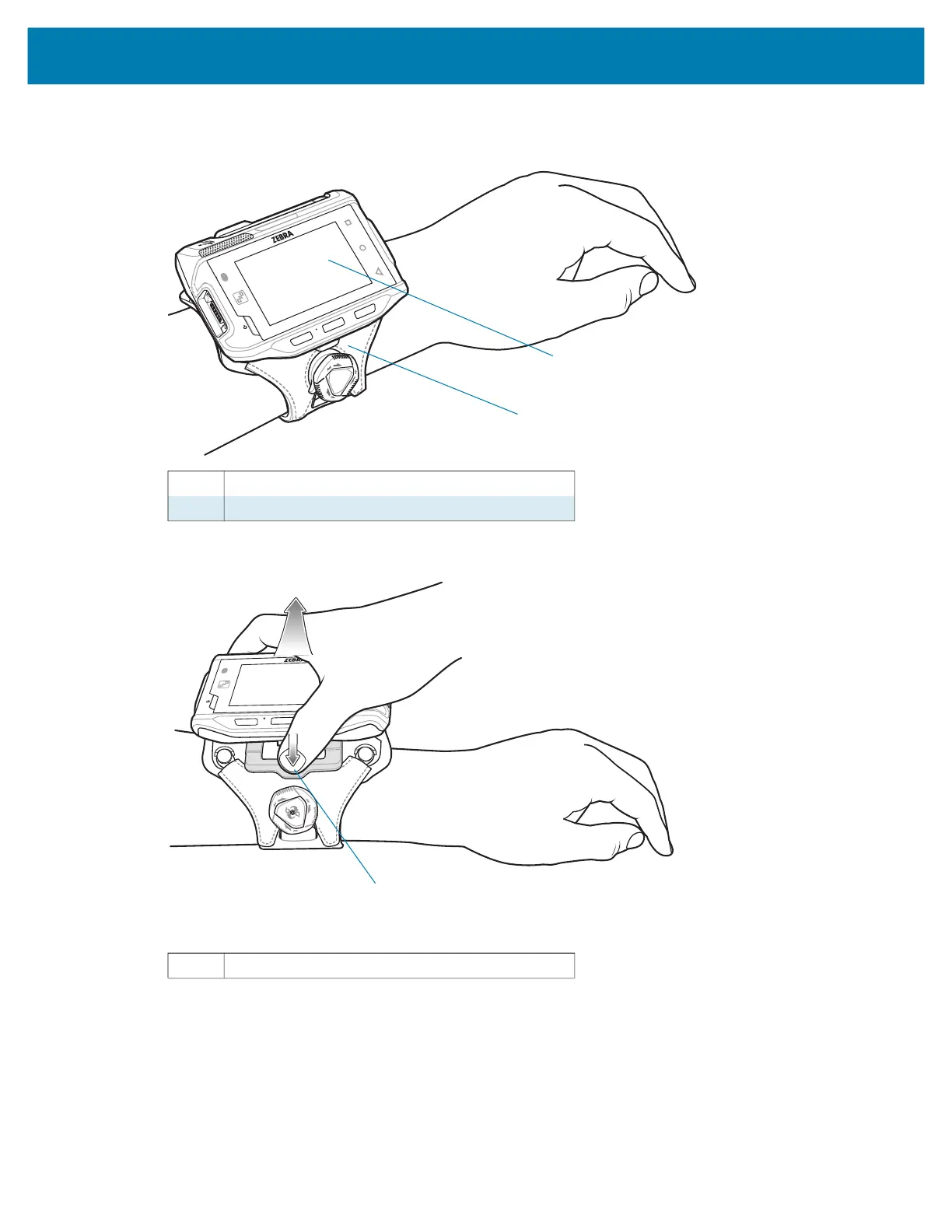
Slide the device onto the wrist mount until it clicks into place.
6. If necessary, use the dial to loosen and re-tighten the strap.
To remove the device from the wrist mount, press down on the release lever and slide the device out.
Connecting a Scanner
The RS4000 scanner and the RS5000 and RS6000 imagers can be used with the device. See RS4000
Scanner on page 125 and RS5000 Imager on page 127 for procedures for connecting to the device. See
Pairing the RS507/X or RS6000 Hands-Free Imager on page 61.
1 Device
2 Wrist mount
1 Release lever
1
2
1



 To Next Page