Data Capture
63
8.
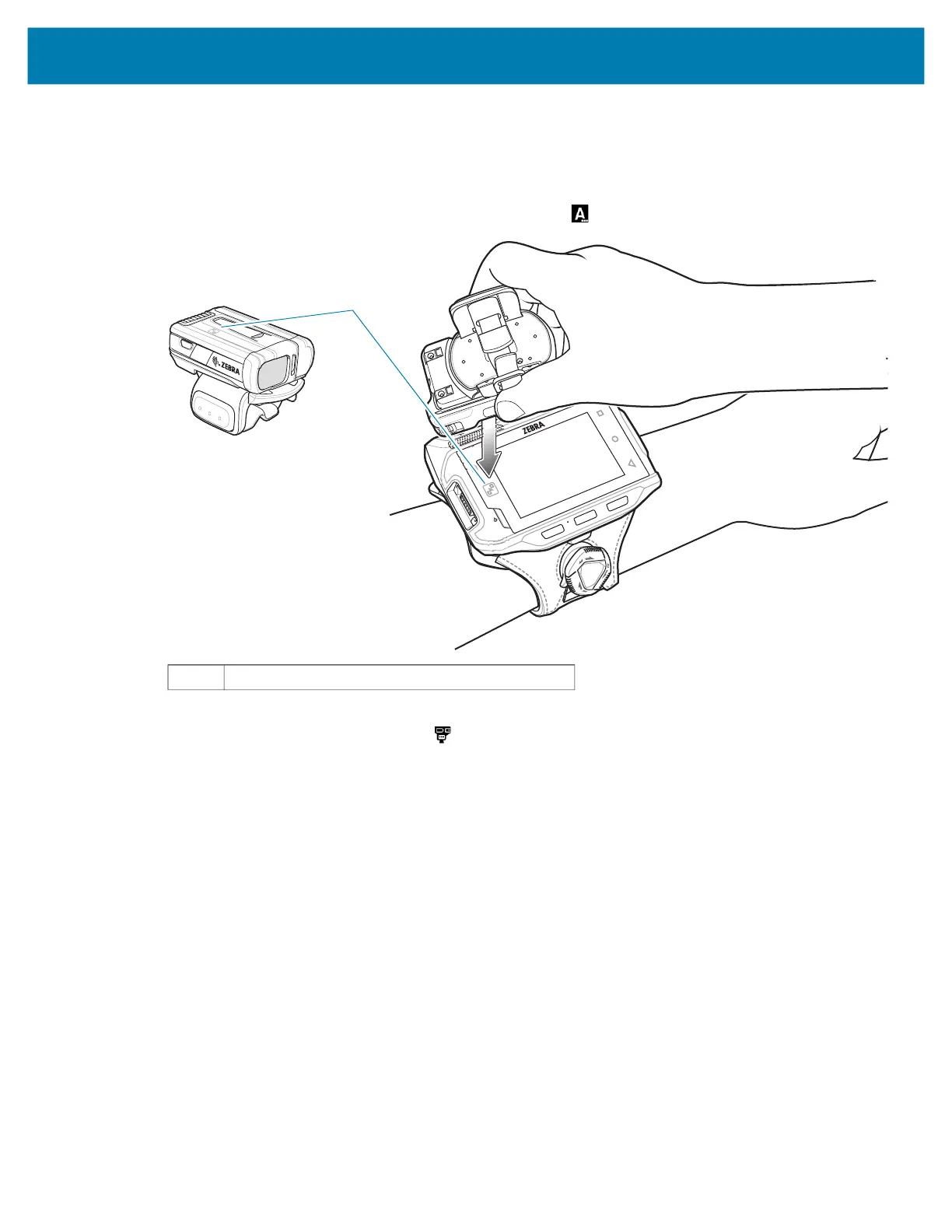
Align the NFC icon on the RS6000 with the NFC icon
on the device.
The Status LED blinks blue indicating that the RS6000 is attempting to establish connection with the
device. When connection is established, the Status LED turns off and the RS6000 emits a single string
of low/high beeps.
A notification appears on the Notification panel and the icon appears in the Status bar.
The device pairs with the RS6000 and appears in the Status bar.
Pairing Using Simple Serial Interface
To pair the RS507/X or RS6000 with the device using SSI:
1. Ensure that the two devices are within 10 meters (32.8 feet) of one another.
2. Install the battery into the RS6000.
1 NFC logo
1



 To Next Page