Wireless
78
Using NFC, the device can:
• Read contactless cards such as contactless tickets, ID cards and ePassport.
• Read and write information to contactless cards such as SmartPosters and tickets, as well as devices
with NFC interface such as vending machines.
• Read information from supported medical sensors.
• Pair with supported Bluetooth devices such as printers , ring scanners (ex. RS6000), and headsets (ex.
HS3100).
• Exchange data with another NFC device.
• Emulate contactless card such as ticket, or SmartPoster.
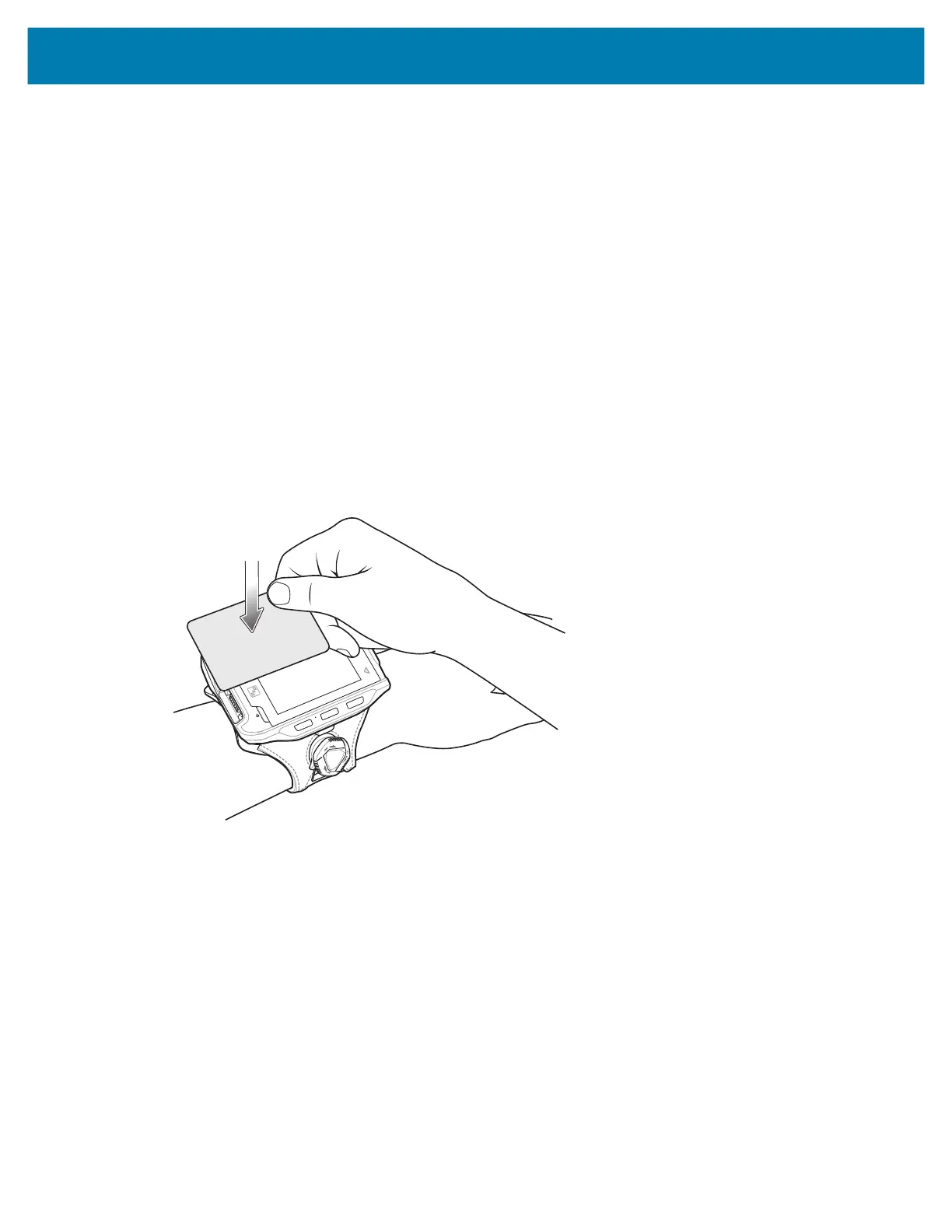
The device NFC antenna is positioned to read NFC cards from the top of the device while the device is
being held.
Reading NFC Cards
Read contactless cards using NFC.
Figure 34 Reading Cards
1. Launch an NFC enabled application.
2. Hold device as shown.
3. Move the device close to the NFC card until it detects the card.
4. Hold the card steadily until the transaction is complete (usually indicated by the application).
Enterprise NFC Settings
Improve NFC performance or increase battery life by selecting which NFC features to use on the device.
• Card Detection Mode - Select a card detection mode.
• Low - Increases battery life by lowering the NFC detection speed.
• Hybrid - Provides a balance between NFC detection speed and battery life (default).



 To Next Page