OPERATION
Auto Focus equipment Setting up Auto Focus Carl Zeiss
06/2013 425131-7044-001 23
4.2 Setting up Auto Focus
The Auto Focus settings can be displayed and changed using the Options button.
It is important to follow the instructions for setting up the Auto Focus given in section 4.8 on
page 31, Setting focus reference values.
• First press the Microscope button on the TFT. Then press XYZ (Fig. 10).
• Select the Auto Focus tab (Fig. 13).
• Activate the Options button.
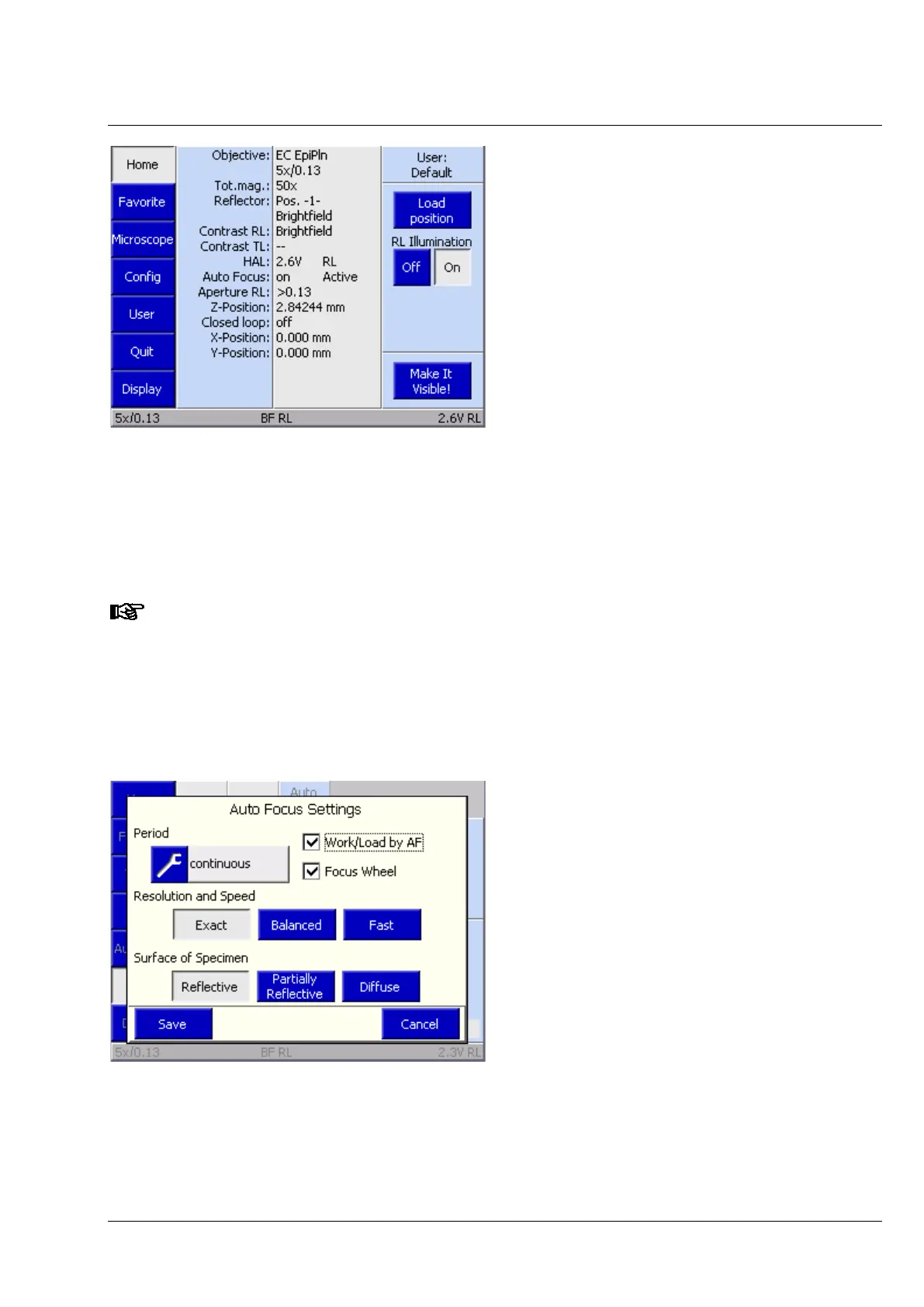
10 TFT display, Home screen with Auto Focus status
11 TFT display, Auto Focus settings




 To Next Page