OPERATION
Carl Zeiss Set Load Position Auto Focus equipment
30 425131-7044-001 06/2013
4.7 Set Load Position
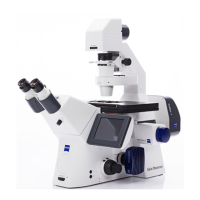
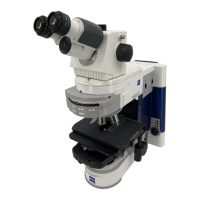
If the Set Load Position function is selected on the TFT display of the Axio Imager 2 / Axio Imager Vario,
the stage automatically travels to its lowest position and the objective turret to its highest position. After a
sample change, the Work run is triggered if respectively Auto Focus is switched on and the Work / Load by
AF option is activated. Here the focus position is constantly checked by the Auto Focus to see whether
the surface of the sample is already within the capture range of the objective. As soon as a sufficiently
strong signal is detected within the capture range of the objective, the surface of the sample is directly
focused upon. If the Work / Load by AF option is selected, the Work / Load run is slower than if it is
deactivated.
With the Axio Imager Vario it is also important to note that the focal plane must be within the focus
range of the objective turret.
Work / Load with Auto Focus support only functions fully with reflective samples at
magnifications of up to a maximum of 20x; with diffuse samples, the
capture range is severely
restricted.
An objective with low magnification (2.5x - 20x) must be used for primary focusing with Work /
Load and Auto Focus. Afterwards it can be switched to an objective with higher magnification
(40x - 150x).
To avoid collisions between an objective and the sample, Work / Load with Auto Focus support is
not possible for objectives with high level magnification (40x - 150x).
Only EC Epiplan objectives (with magnification of 10x or less) and EC Epiplan-Neofluar objectives
(with magnification of 10x or less) can be used for samples with a cover slip.




 To Next Page