OPERATION
Carl Zeiss Setting up Auto Focus Auto Focus equipment
24 425131-7044-001 06/2013
Auto Focus settings (Fig. 11):
• Period
• Work / Load by AF
• Focus Wheel
• Resolution and Speed
• Surface of Specimen
• Save
• Cancel
Period:
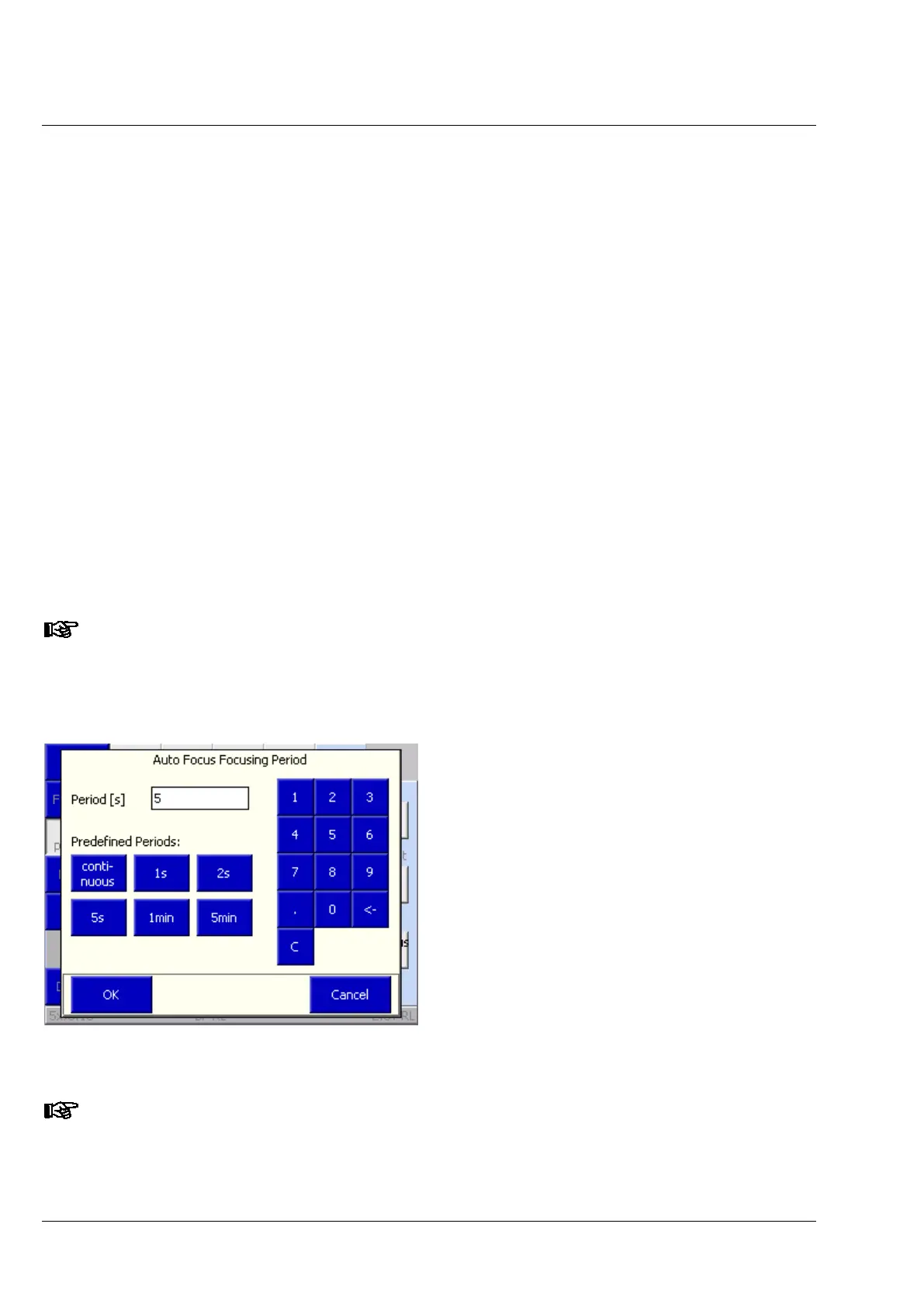
The Period function is used to set the Auto Focus period, i.e. the interval between two auto focus cycles.
The time currently set between two auto focus cycles is shown in the Period field.
• To change the period, press the Period button.
• Select or redefine period (Fig. 12).
The period can be selected using pre-defined periods (continuous, 1 s, 2 s, 5, s etc.) or can be redefined
using the numeric pad (entries are made in seconds).
A period of 0 s also constitutes the Continuous mode of Auto Focus.
• Entries are confirmed by pressing OK, or cancelled by pressing Cancel.
It is also possible to reset the period during the On phase of the Auto Focus (see section 4.4,
page 28).
12 TFT display, Microscope / xyz / Auto Focus / Options /
Period




 To Next Page