4 Installation | 4.1 Installing the Labscope Software
Perform only the installation work described in this document. All other installation work not de-
scribed may only be carried out by an authorized ZEISS service representative.
.1 Installing the Labscope Software
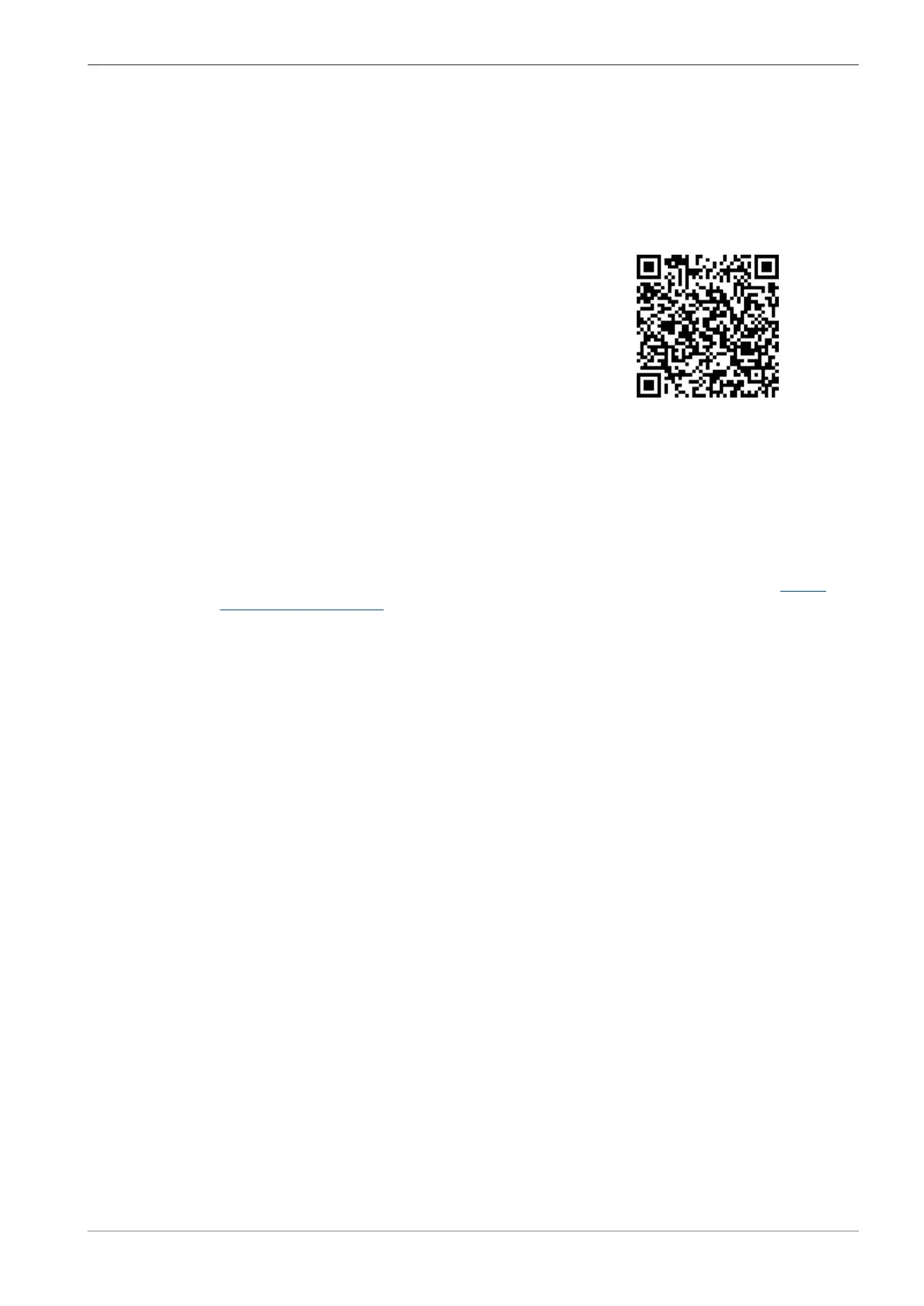
For Windows 1. Scan the QR code to download the latest ver-
sion of Labscope software.
. Double-click on labscope_vX_setup.exe.
. Perform the required steps shown by the installation wizard.
. If you are asked, agree to install additional drivers.
After the installation the Labscope program icon is shown on your tablet PC.
More information can be found in the Labscope instruction manual.
For iPadOS® The Labscope apps for iPadOS® can be downloaded via the App Store®. You can download the
corresponding app for Apple® iPad Pro® directly from there.
Please visit our product website to find the links to the downloads in the App Store®: https://
www.zeiss.com/labscope
.2 Unpacking and Setting up the Microscope
Procedure 1. Open the packaging.
. Take the microscope, all assemblies and accessories out of the packaging.
. Check them for completeness as per delivery note.
. Check all parts for damaging.
. Place the microscope on a vibration-free, level and non-inflammable surface.
It is recommended to keep the original packing and store it away for later use, e.g. for stowing
the microscope during periods of non-use or for returning the microscope to the manufacturer for
repair.
Instruction Manual ZEISS Axiovert 5 digital | en-US | Rev. 1 | 431030-7021-101









 To Next Page