5 Operation | 5.1 Prerequisites for Commissioning and Operation
This chapter describes switching on/off the microscope as well as the first operating steps with
the microscope.
For additional information and detailed descriptions, refer to further applicable documents or
ask your ZEISS Sales & Service Partner.
Further information on the software and its operation is available in the software’s online help.
.1 Prerequisites for Commissioning and Operation
The following basic prerequisites are necessary for commissioning and operation:
The Instruction Manual was read prior to commissioning or operation and kept for further
use.
The chapter Safety was read and understood.
When using a Microsoft Surface Pro: The operator is acquainted with the general Windows-
based programs.
When using an Apple® iPad Pro®: The operator is acquainted with the general iOS®-based
programs.
If required: Basic training and safety briefing were successfully completed.
.2 Switching On the Microscope
Prerequisite ü The microscope is connected to the mains [} 29].
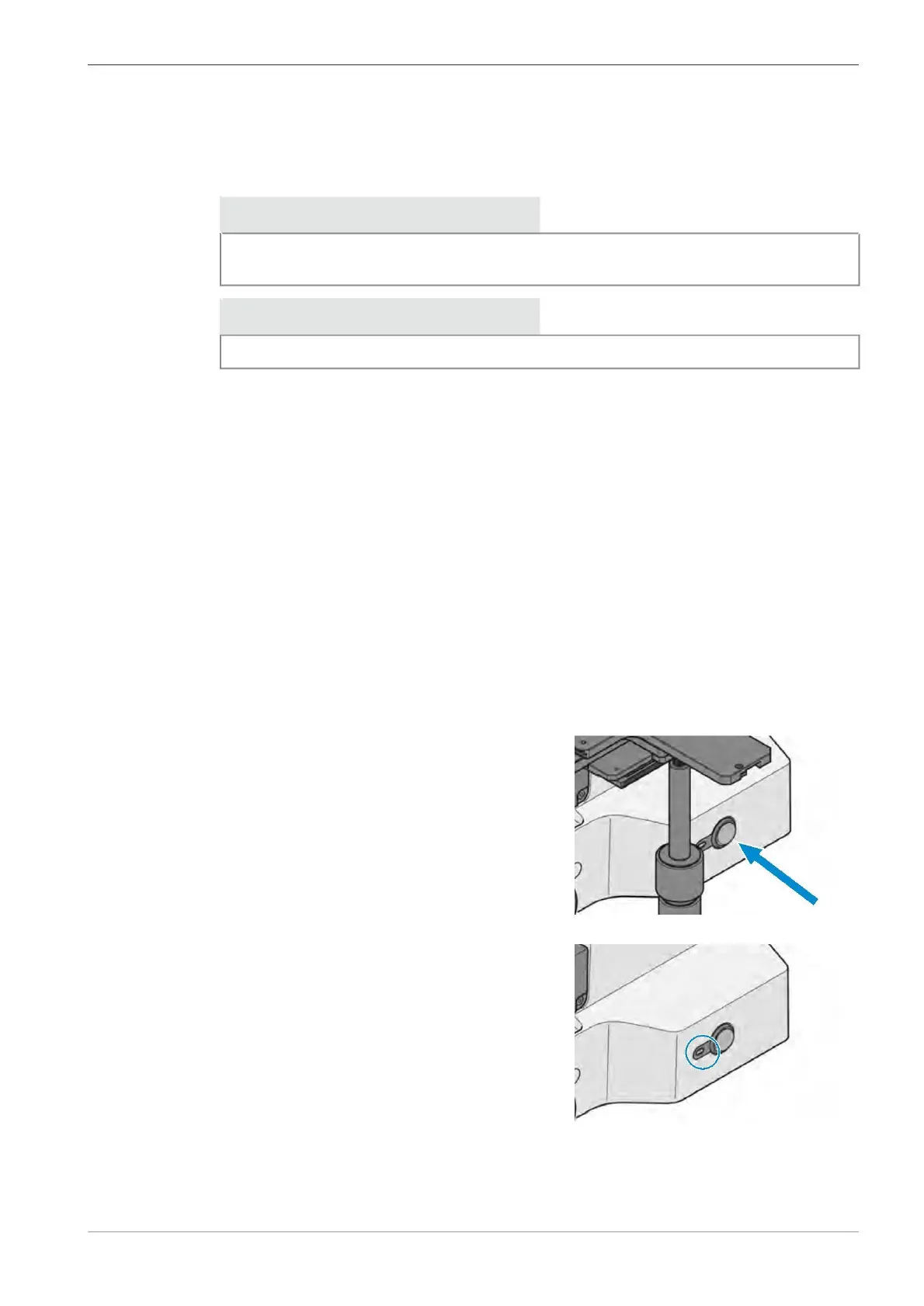
Procedure 1. Set the Power switch to position I.
à The power indicator lights up with blue light.
à When the initialization is finished, the indica-
tor turns to green light.
. Switch on the Apple® iPad Pro® or the Windows Surface Pro.
. Open the Labscope software.
. Follow the instructions given in the Labscope Online Help.
The microscope is operational.
Instruction Manual ZEISS Axiovert 5 digital | en-US | Rev. 1 | 431030-7021-101









 To Next Page