Care and Maintenance | 6.2 Maintenance Schedule
The recommended intervals for maintenance depend on the total uptime of the microscope.
Check the power cable and each plug for
possible damage.
If any damage is observed, turn the instru-
ment off and secure it against inadvertent
restarts immediately. Call in a qualified pro-
fessional to remedy the problem.
.3.1 Cleaning an Optical Surface
Damage of optical surfaces due to improper cleaning
Remove dust from the optical surface slowly and carefully.
Remove dust on optical surfaces with a natural-hair brush or blow it off with a rubber bel-
lows.
Avoid touching optical surfaces with fingers.
Optical cleaning solution (85% n-hexan and 15 vol% isopropyl alcohol (IPA))
Lint-free cloth
Procedure 1. Moisten a cotton swab or a clean cloth with an optical cleaning solution, if necessary.
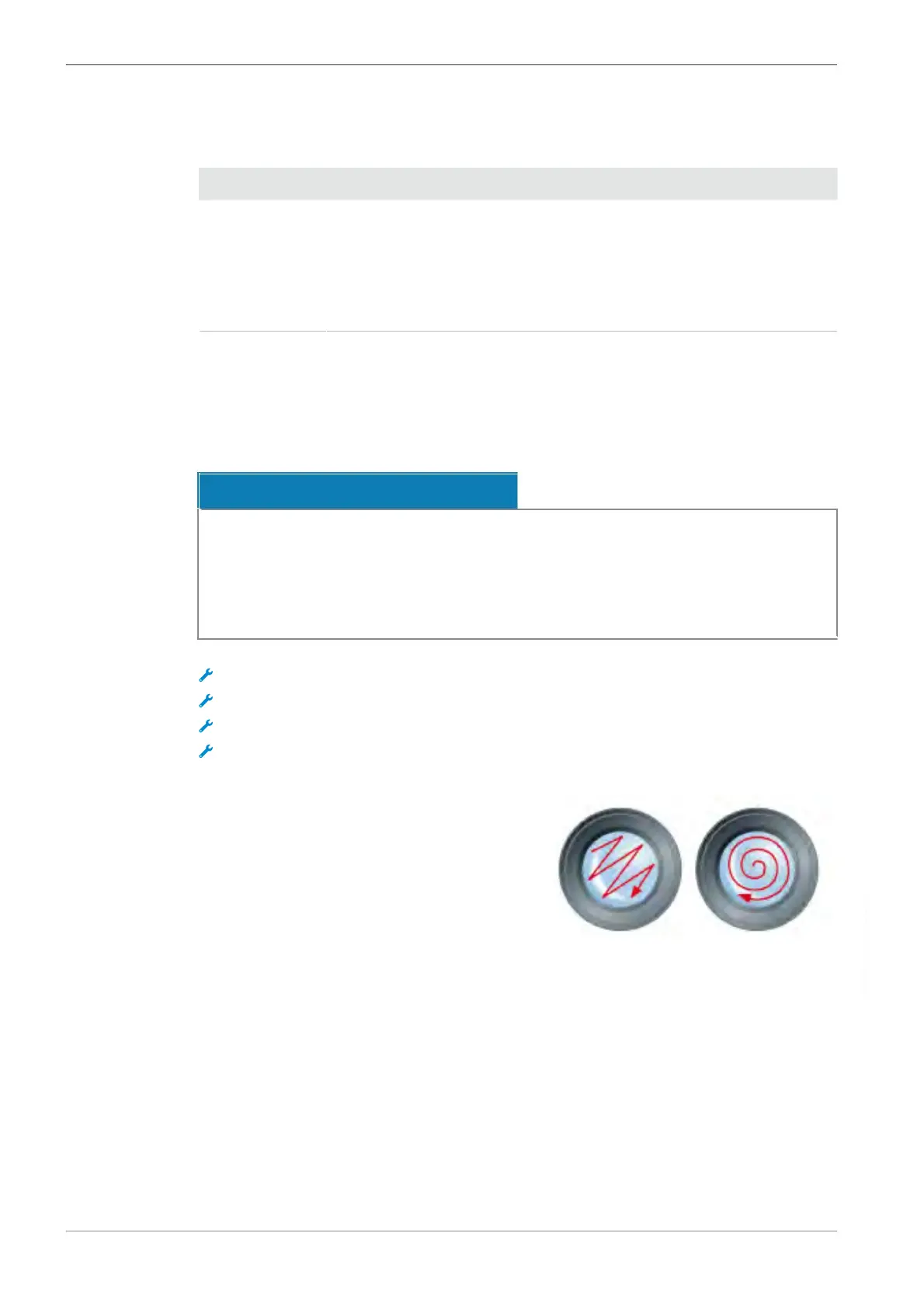
. Wipe optical surfaces in a circular motion to-
wards the edge of the optics with slight pres-
sure.
. Dry with a lint-free cloth.
Instruction Manual ZEISS Axiovert 5 digital | en-US | Rev. 1 | 431030-7021-101









 To Next Page