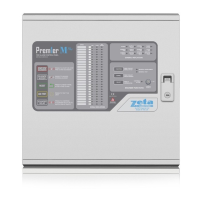
Smart Connect Single Loop Touch Screen Panel
Doc: GLT-229-7-1 45
Issue: 3
Date: 12/05/2017
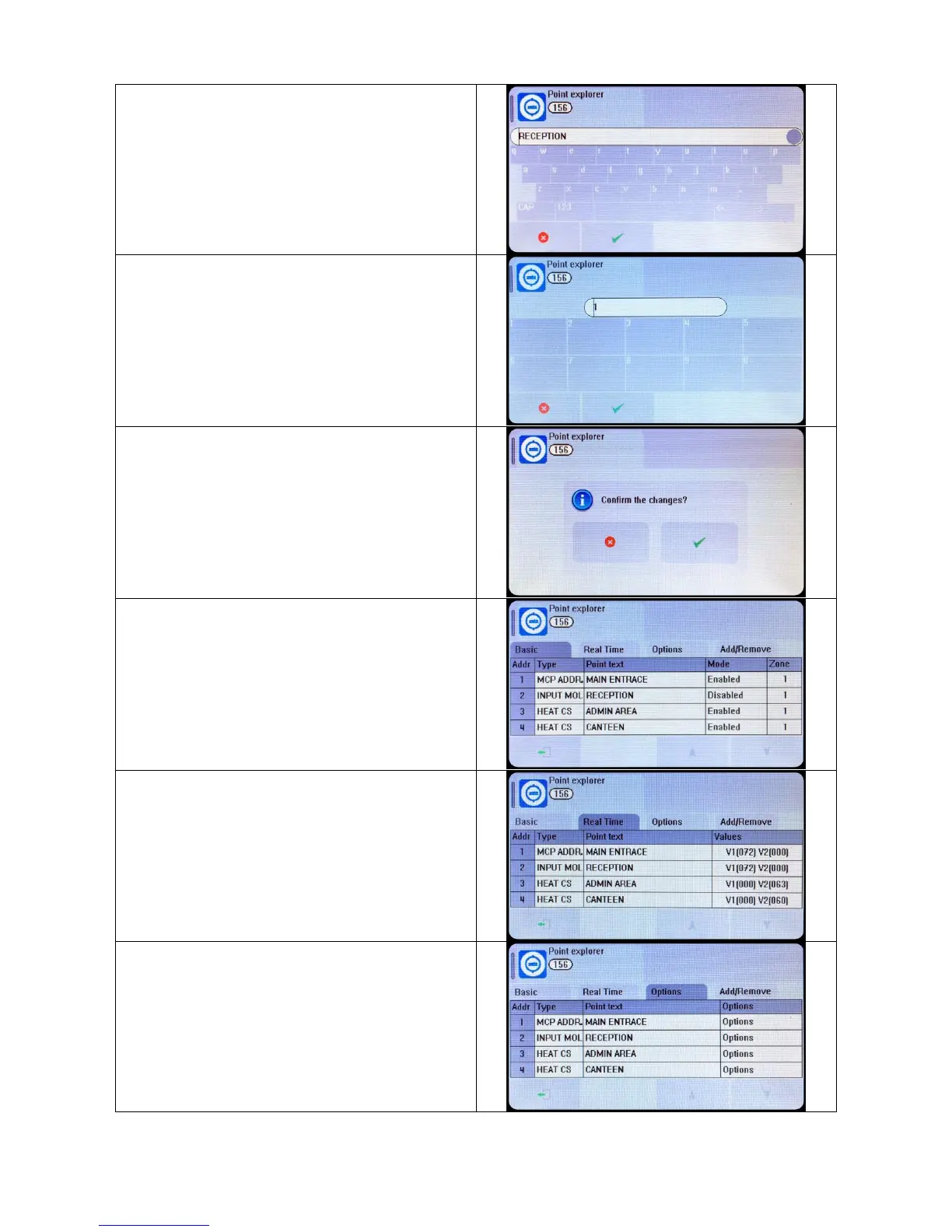
The Panel shows the on screen keyboard. Enter the required
label (up to 46 characters). Press exit to return to the device list.
Press the zone field to edit the device`s zone if required
Edit another device, or exit the device list to save the changes.
The Device list screen also shows the current mode of each
device, i.e. ENABLED or DISABLED
Press the MODE field of a device to toggle its state between
enabled and disabled
The analogue values can be displayed by pressing the real time
tab. Press the up & down arrows to scroll through the devices.
Device specific options can be set via the options tab (See
following section for details).
Press the Options field for the required device to set its options.


 To Next Page