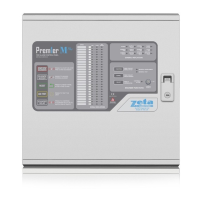
Need help?
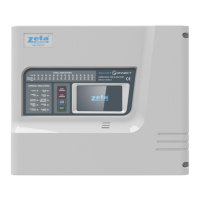
Do you have a question about the Zeta SmartConnect and is the answer not in the manual?
Guidance on electrical earthing, wiring, and environmental conditions for panel installation.
Safety measures for operating the panel, including keeping the enclosure closed and securing the access key.
Details on battery types, handling precautions, and risks associated with batteries.
Mandatory and optional functions of the fire alarm panel as per European Standard EN 54 Part 2.
Details of different user access levels and the functions they grant.
Electrical characteristics including voltage, current, and connectivity details.
Overview of the Smart Connect panel's features, capabilities, and design.
Steps and descriptions for accessing different user and engineer levels on the panel.
Guide to navigating the user and installer menus using icons and touch screen interface.
Description of the panel's physical controls and their functions.
Requirements for connecting the mains supply, including cable type and fused spur.
Step-by-step guide to connecting the mains power supply to the panel.
Instructions for wiring and connecting the system batteries in series.
Methods for setting device addresses using soft addressing or DIP switches.
Process for learning and configuring the addressable loop devices.
How to define cause and effect relationships for inputs and outputs.
Procedure for disabling entire zones or specific inputs/outputs within a zone.
How to disable individual input devices or points to prevent false alarms or faults.
Steps for setting zones to test mode, with or without sounder operation.
Steps for setting up network mode and node addresses for panels.
Steps for setting up TCP/IP connection for reporting to a central server.
Locating open or short circuit faults on the addressable loop.
Diagnosing faults related to mains supply, battery, or charger issues.
Information for system designers to select batteries for required standby and alarm times.
Formula and example for calculating the required battery size in Amp Hours.
 General
| Connectivity | Wi-Fi, Bluetooth |
|---|---|
| Compatibility | iOS, Android |
| Power Source | AC Power, Battery Backup |
| Sensors | Motion, Door/Window, Glass Break |
| Alerts | Push Notifications, Email, SMS |
| Security Features | Encrypted Communication, Two-Factor Authentication |
| Remote Control | Mobile App |
| Data Storage | Cloud Storage, Local Storage |
| Mobile App Features | Live Video Streaming, System Arm/Disarm, Event History |
| Warranty | 2-Year Limited Warranty |

 To Next Page