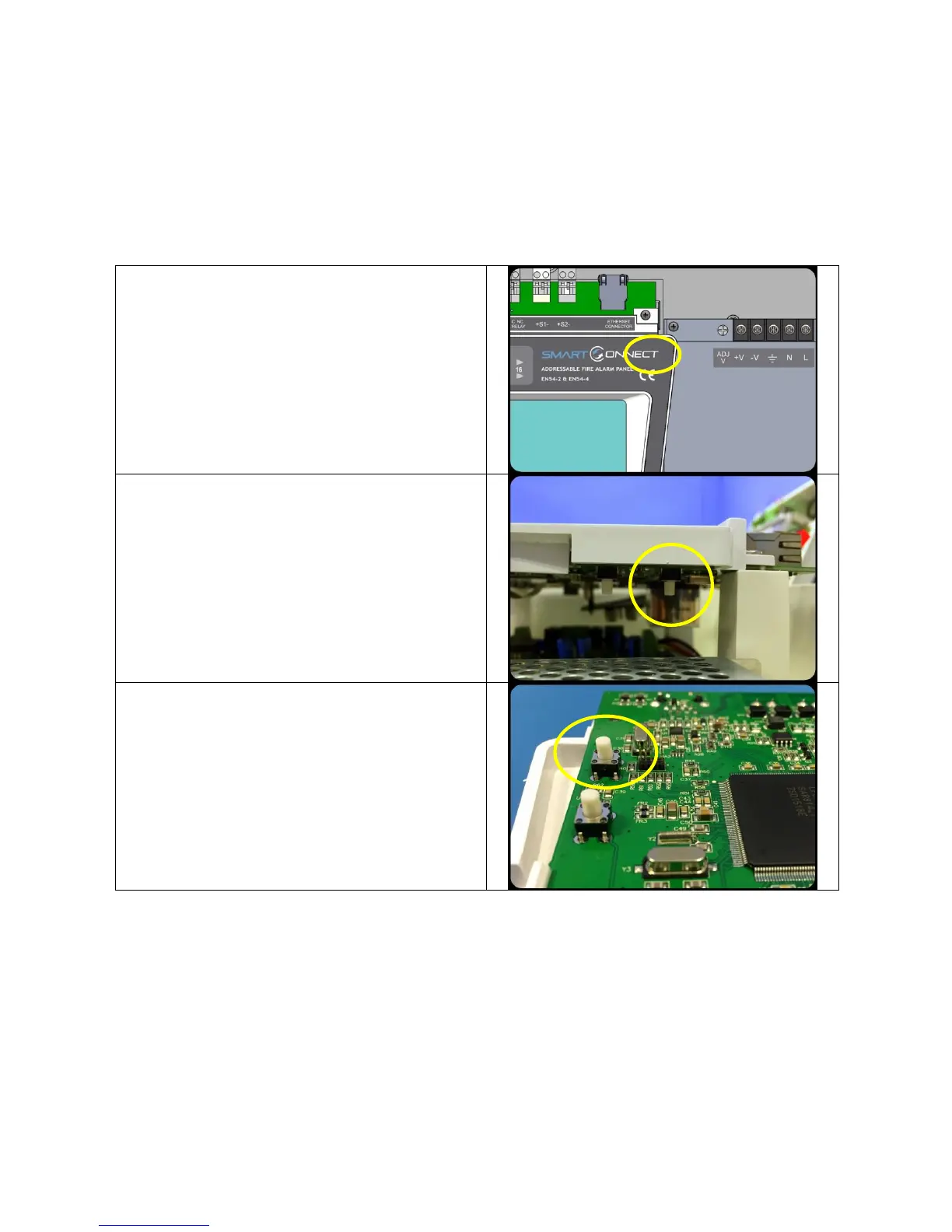
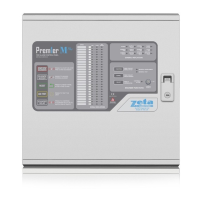
Smart Connect Single Loop Touch Screen Panel
Doc: GLT-229-7-1 80
Issue: 3
Date: 12/05/2017
12.6 SYSTEM FAULT
A system fault is an abnormal microprocessor running condition due to various unexpected phenomena.
This will result in the panel attempting to correct itself. Should this fault occur, the System Fault LED, General Fault LED, General
Fault relay and internal fault buzzer will be constantly active. A system fault indication can be cleared by pressing the system fault
reset button located underneath the PCB. If the fault does not clear please consult your distributor.


 To Next Page