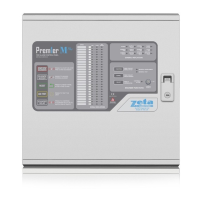
Smart Connect Single Loop Touch Screen Panel
Doc: GLT-229-7-1 60
Issue: 3
Date: 12/05/2017
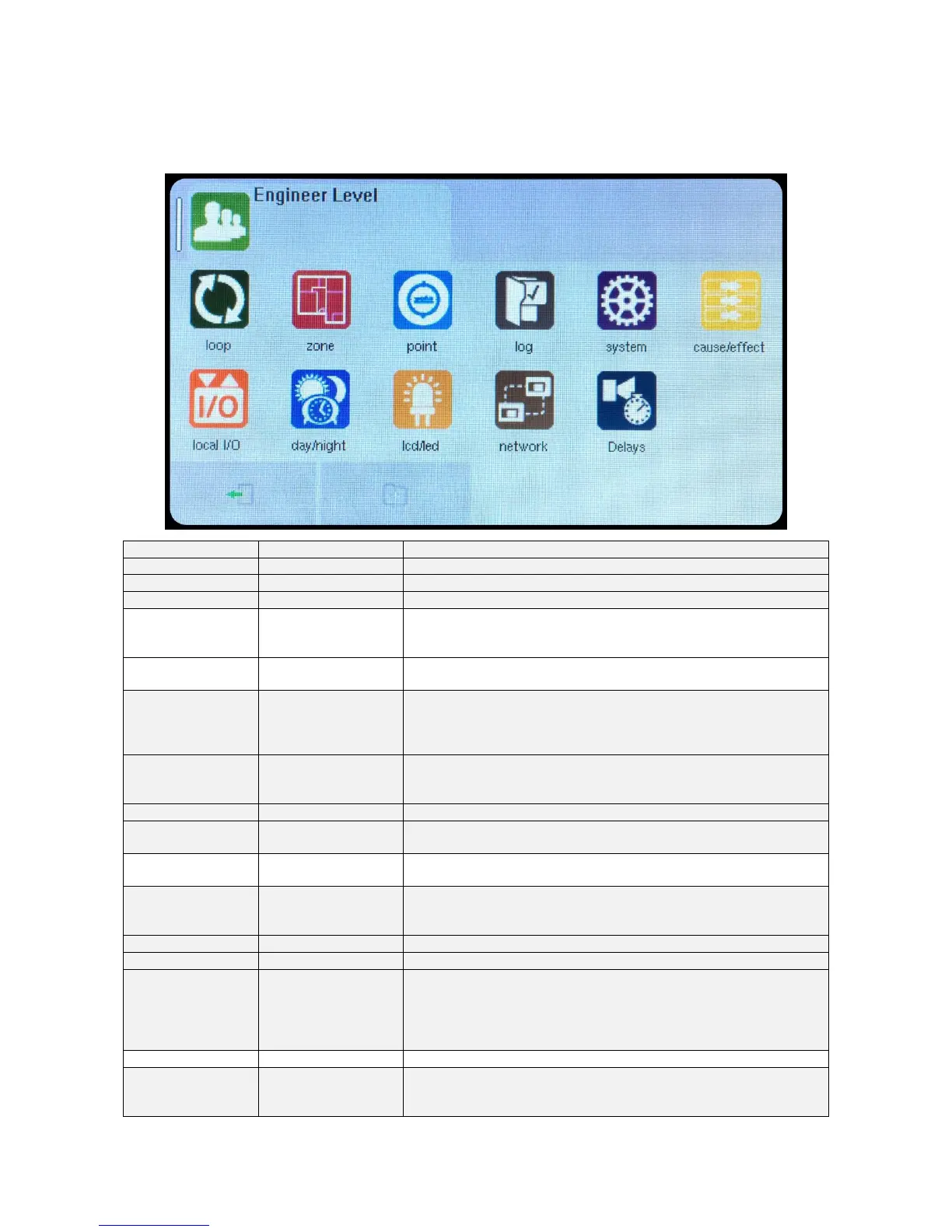
8.5 ENGINEER LEVEL Menu Summary
Default Password 9999 – Access Level 3
Searches for all devices on the loop
View / Edit Zone text label
View / edit zone mode
(Enabled/ input disabled/ output disabled/ disabled/ test/ test & sounders)
View Zone text label
View Quantity of devices per zone
View Address & Device type
View / Edit Device text label
View / Edit device mode (Enabled / disabled)
View / Edit Device Zone allocation
View Address & Device type
View Device text label
View device Analogue Values
View / Configure device specific options.
Add new device
Remove a configured device
View Event Log
Erase event log
Edit Installation Name
Edit installer / maintenance name
Edit installer / maintenance Contact Number
Set Engineer text label
Set engineer password
Set User name label
Set user password
Set the number of user passwords
View / Enter / Delete Cause & Effect (See Section 8.1 for details)
View / edit Input 1 zone allocation
View / edit input 1 text label
View / edit input 1 status (Enabled / disabled)


 To Next Page