Smart Connect Single Loop Touch Screen Panel
Doc: GLT-229-7-1 78
Issue: 3
Date: 12/05/2017
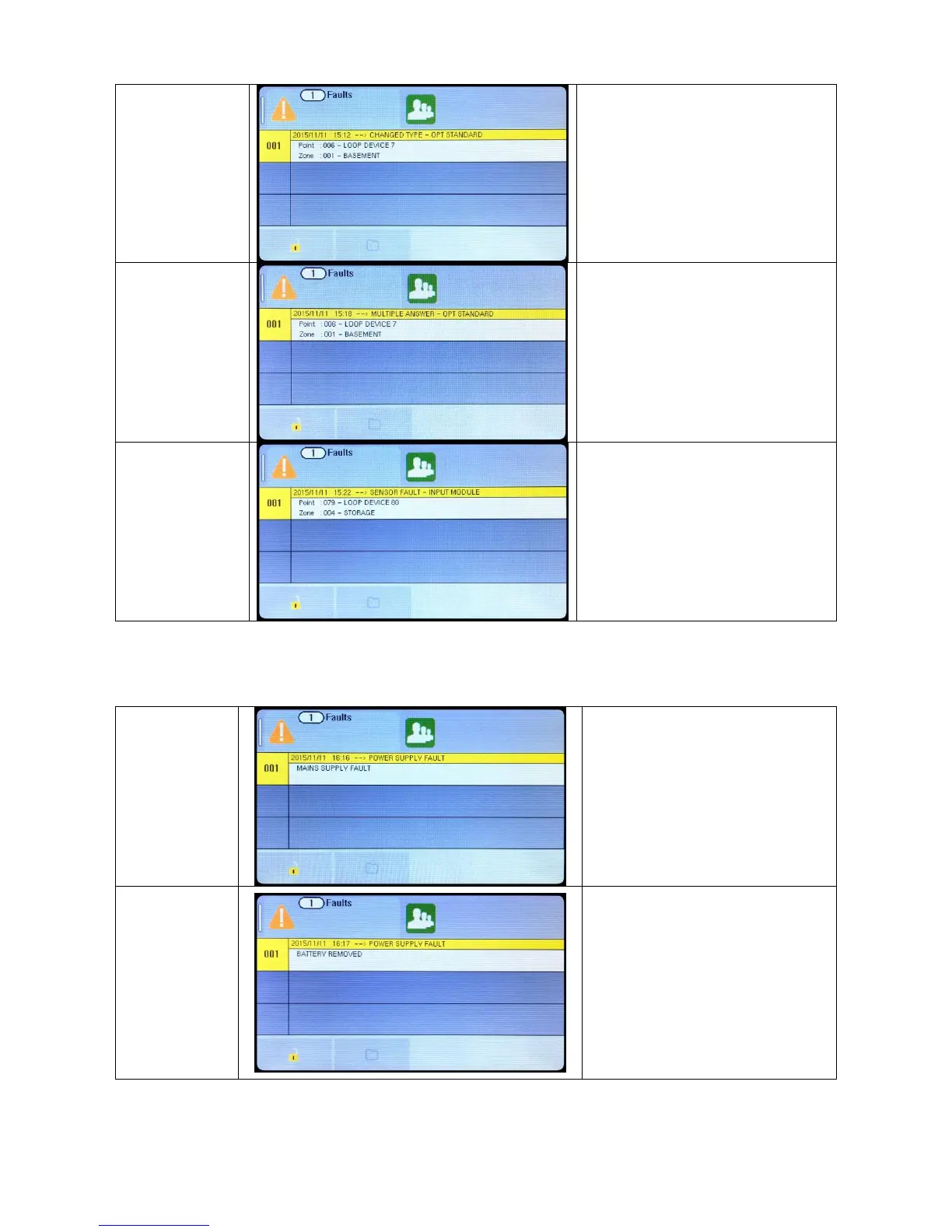
A device has been
changed for one of a
different type
There is a Double
Address in this zone
(see previous section)
A device in that zone
is communicating a
fault condition to the
panel.
The fault message indicates whether the
interface has detected an open or short
circuit fault on its field wiring, or if it has lost
it`s auxiliary power supply input
Check If Mains Power is present
Check if there is voltage out of the PSU cage
(29.5V DC)
Check battery fuse.
Check that battery connections are secure.
Check battery voltage (should be around 26-
27V for well charged batteries).
Check that the two batteries are connected
in SERIES (to give double the voltage of 1
battery on its own).
Check the charger fuse.


 To Next Page