SW3
GIGABIT/FAST ETHERNET SWITCH TYPE SW3 (DIN) 44/122
USER GUIDE - M0SW3D1905Iv04 - V04 May 2019
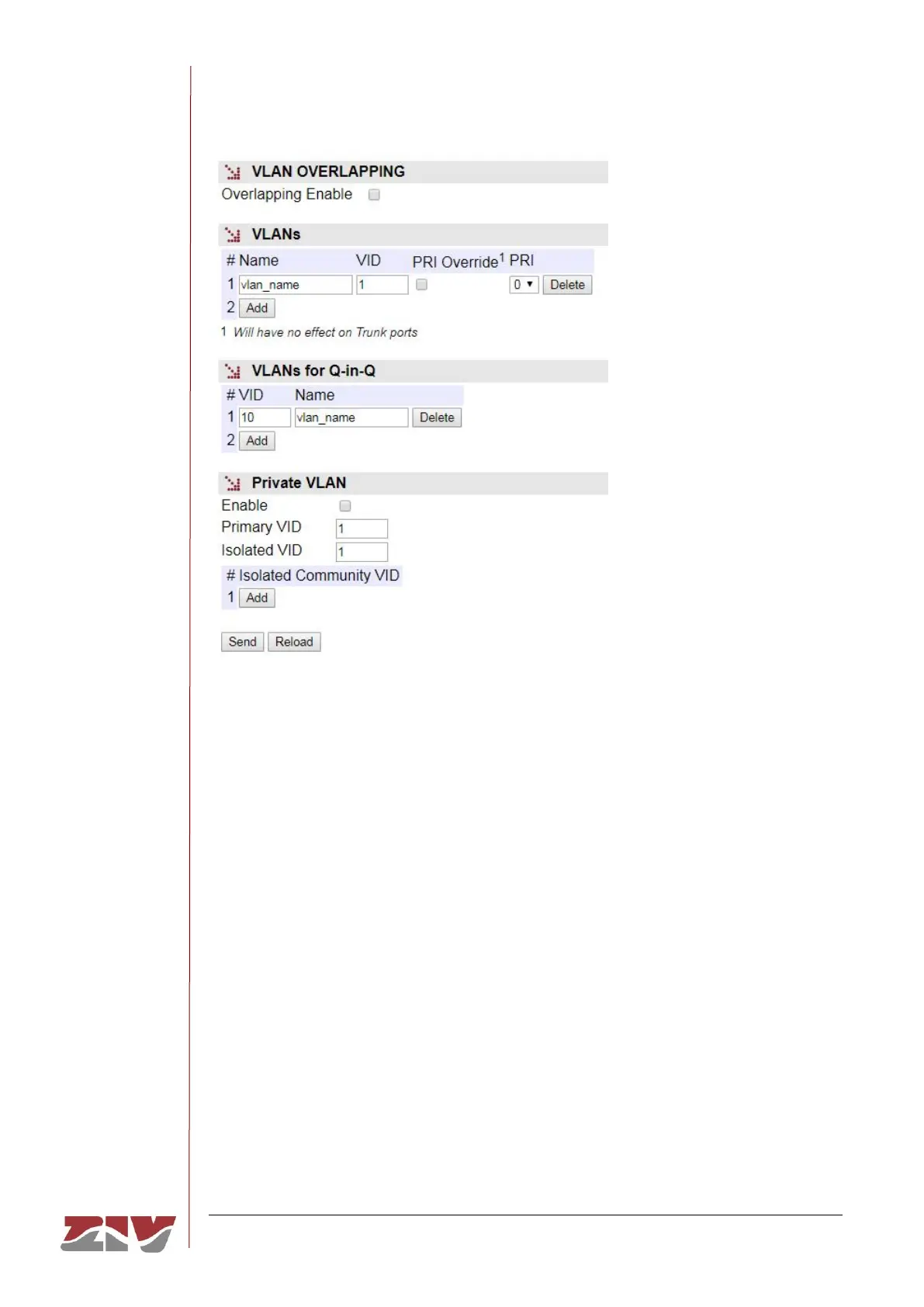
FIGURE 23 VLANs menu configuration page
The screen associated to the VLANs menu has four distinct sections, which are described
below.
There is a global parameter that affects all the VLANs.
• Overlapping Enable. It sets the switch internal operation mode as regards the
management of the MAC addresses of the different VLANs. The operation mode is
IVL (Independent VLAN Learning) by default. The equipment operates in SVL mode
(Shared VLAN Learning) with the option selected.
The SVL (Overlapping Enabled) mode is necessary when using topologies with
several VLANs when there is an interface with access to more than one of the
configured VLANs, that is, that the VLANs share some user interface, and that the
clients operate with UNTAGGED frames. In these cases, the traffic exclusion is
done through the access control lists determined for each one of the interfaces
(see the VID ACL parameter in section 5.4).
FIGURE 24 shows an example for using the Overlapping Enable parameter.



 To Next Page