2.8-inch Linux Visible Light Product User Manual 15
3.2 Search for Users
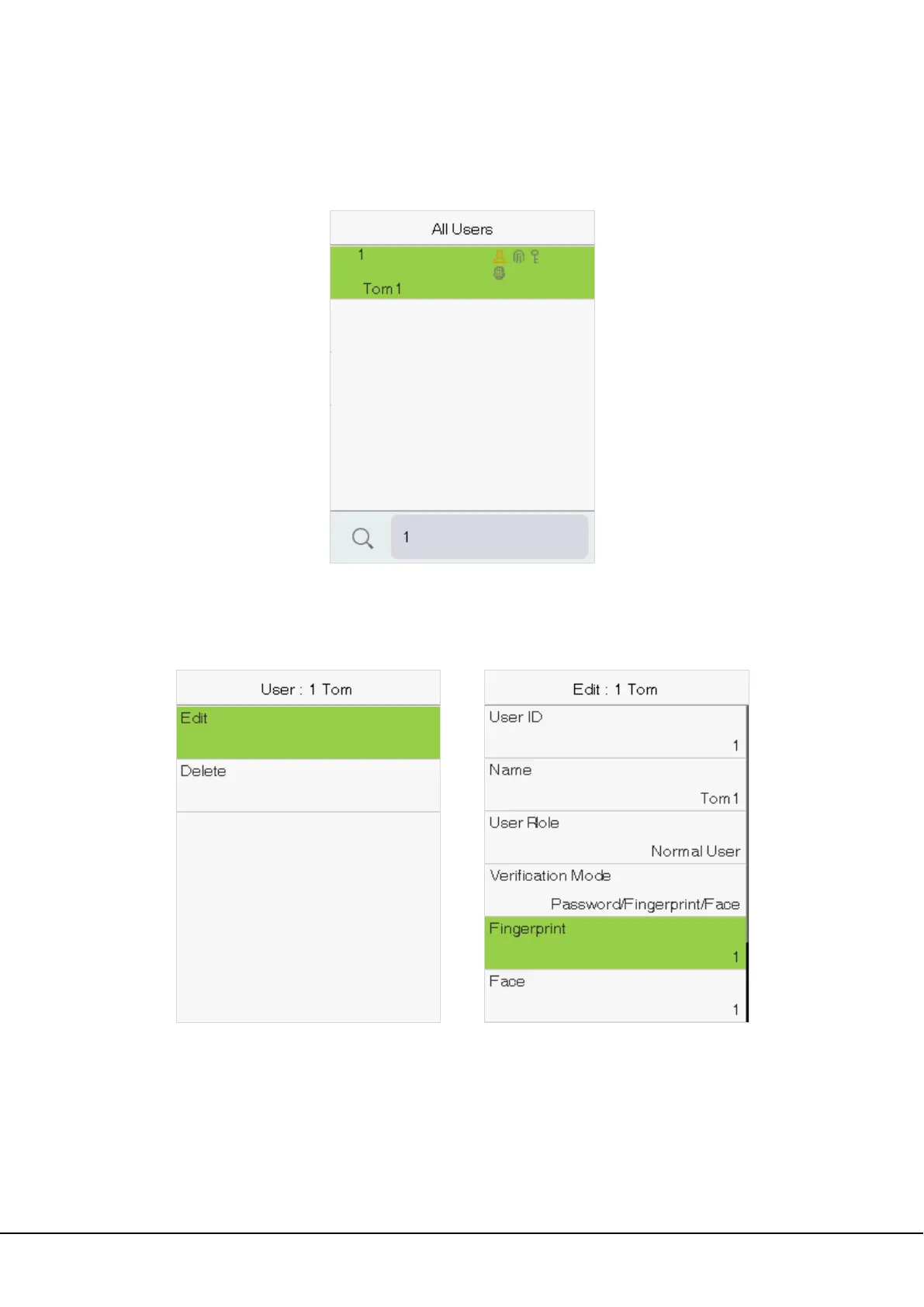
Enter the retrieval keyword on the user list (The keyword may be an ID, surname or full name.). The system will
search for the users related to the information.
3.3 Edit Users
Choose a user from the list and select Edit to enter the edit user interface:
Note: The operation of editing a user is the same as that of adding a user, except that the user ID cannot be
modified when editing a user.


 To Next Page
 Loading...










