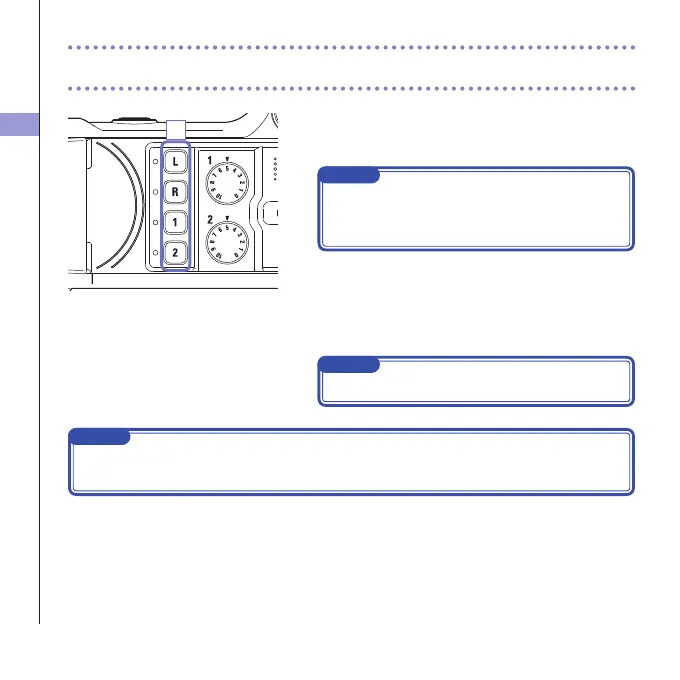
Selecting tracks to record
19
1. Press the buttons of the tracks that you want to
record.
NOTE
Theindicatorsofthe selected trackbuttons lightred,
and you will be able to monitor the signals input on
thesetracksthroughheadphones/lineoutput.
2. To record Inputs 1/2 as a stereo file (stereo link),
press both of their track buttons at the same time.
To end the stereo link, press the track buttons for
Inputs1/2atthesametime.
NOTE
ThestereolinkoftheL/Rtrackscannotbedisabled.
NOTE
StereolinksettingscanalsobemadeusingtheInput1/2sharedsettingsontheMixerScreen.(See
page35.)
Selecting tracks to record
1



 To Next Page