Recording
23
Recording
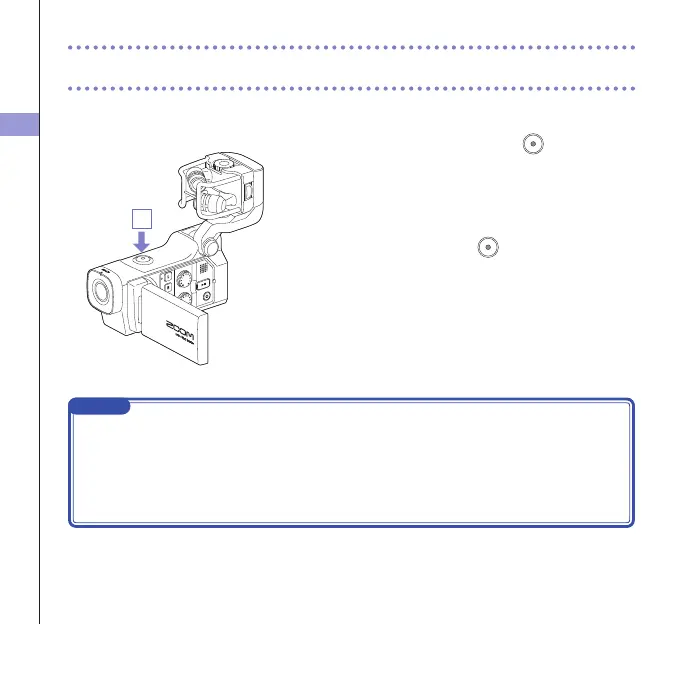
From the Main Screen, you can start recording video by pressing a single button.
1. After preparing to record, press .
Thisstartsvideorecording.
Duringvideorecording,thevideorecordingLEDabove
the lens lights red.
2. To end recording, press
again.
NOTE
• If thetransferspeed tothecardisnotfast enough during videorecording,"LowSpeedCard!"
appears on thescreenandrecordingstops.Toavoid this, we recommendusing cards thatare
Class10orfaster.InformationaboutSDcardsthatcanbeusedwiththisunitisprovidedatwww.
zoom.co.jp.
• UsetheRECORDINGMODEmenuto makespecic video recordingsettings.(See "Recording
modesettings"onpage25.)
1



 To Next Page