Updating the firmware
45
Updating the firmware
Update the firmware version when necessary.
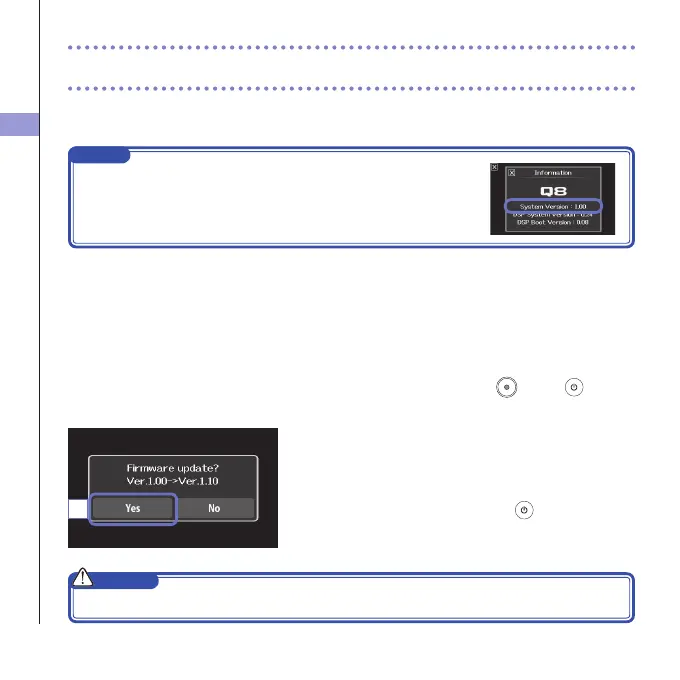
NOTE
Youcan check the firmwareversion withthe Informationitem in the
SETTINGmenu.
1. Copy the file for updating the firmware to the root
directory on the SD card.
Thelatestversionofthermwarecanbedownloaded
fromwww.zoom.co.jp.
2. Insert the SD card into the unit’s card slot.
3.
While pressing and holding , press
until the
unit starts and the firmware update screen opens.
4. If the version update shown is as desired, touch
"Yes".
5. Wh e n up d a t ing t he v e r s i o n co m p lete s and
"Complete!" appears, press
for at least one
second to shut down.
CAUTION
Upgrading the firmware version is not possible if the remaining battery power is low.
4



 To Next Page