Adjusting recording levels
21
Adjusting recording levels
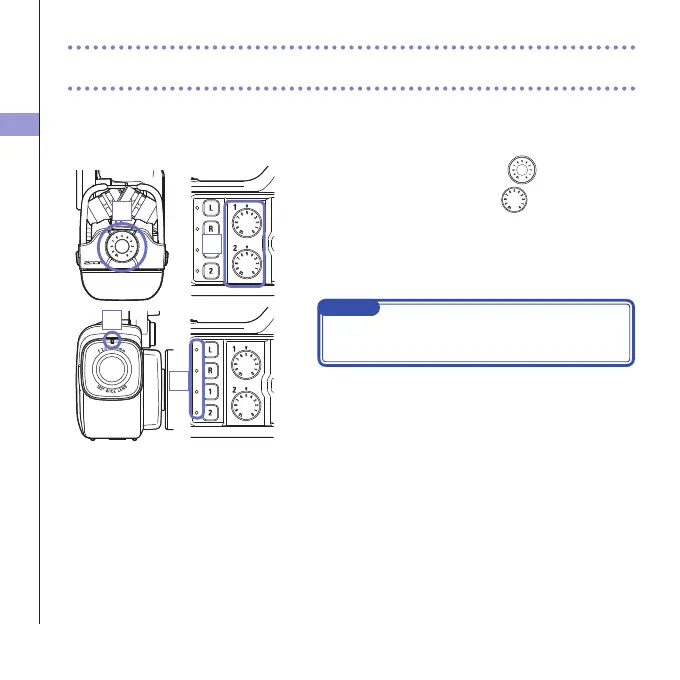
You can adjust the recording level manually.
1. When using the XY mic, turn on the mic.
When using Inputs 1/2, turn
on the left side of
this recorder.
2. Adjust the level so that the recording and track key
LEDs do not blink even when loud sounds are input.
NOTE
Ifaninput clips,therecordingandtrackkeyLEDswill
blink.
1
1
2
2



 To Next Page