Audio monitoring settings
24
Audio monitoring settings
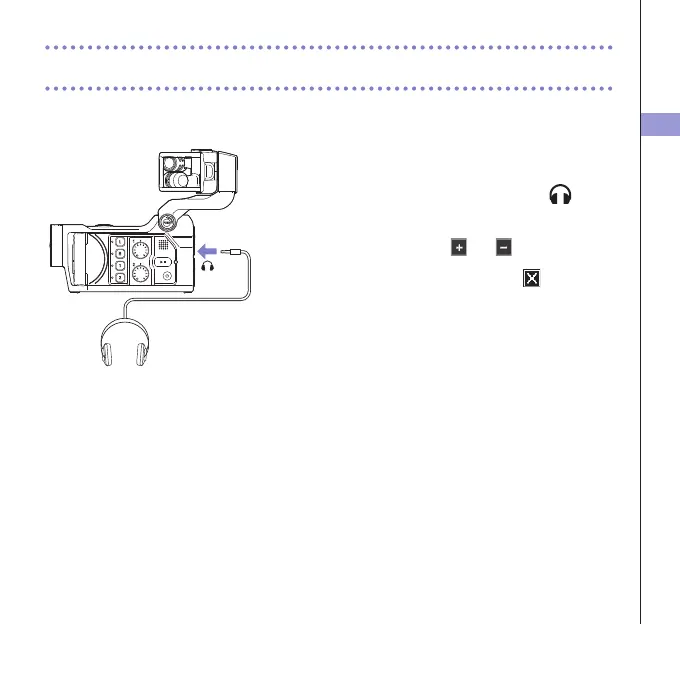
You can monitor audio being recorded with video through the headphones jack.
1. Connect headphones or other audio equipment to
the headphones jack on the back of the recorder.
2. To adjust the monitoring volume, touch on the
display.
3. In the sub menu, touch and .
4. After completing the setting, touch to close the
submenu.



 To Next Page