Mixer Screen settings
32
Mixer Screen settings
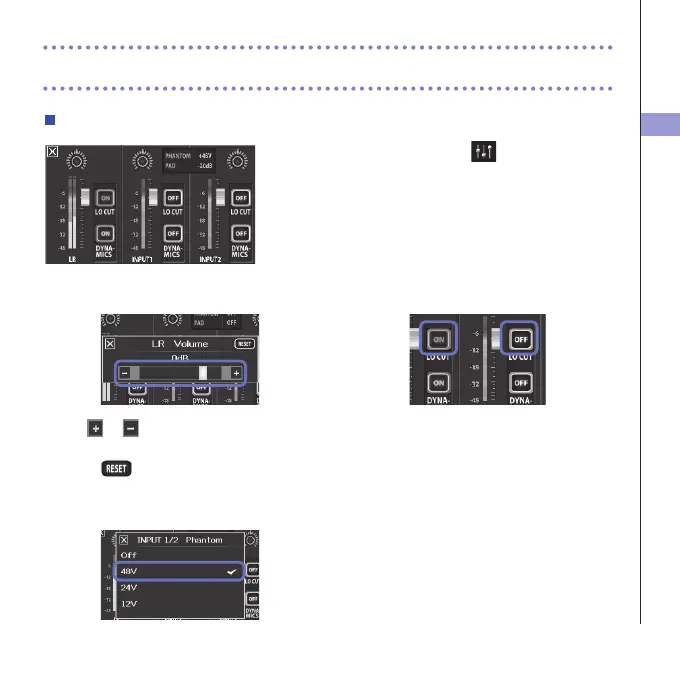
Using the Mixer Screen
1. On the Main Screen, touch .
ThisopenstheMixerScreen.
2. Touch the function you want to set.
Thiswillopenasettingscreenforthatfunction.
Changing values
Touch or ,ortouchandslidetheslider
toadjustavalue.
Touch
to restore the default value.
Selecting from lists
Touchaniteminashownlisttoselectit.
Changing settings
Touchabuttontoopenasubmenu
where you can change the setting.



 To Next Page