Recording mode settings
26
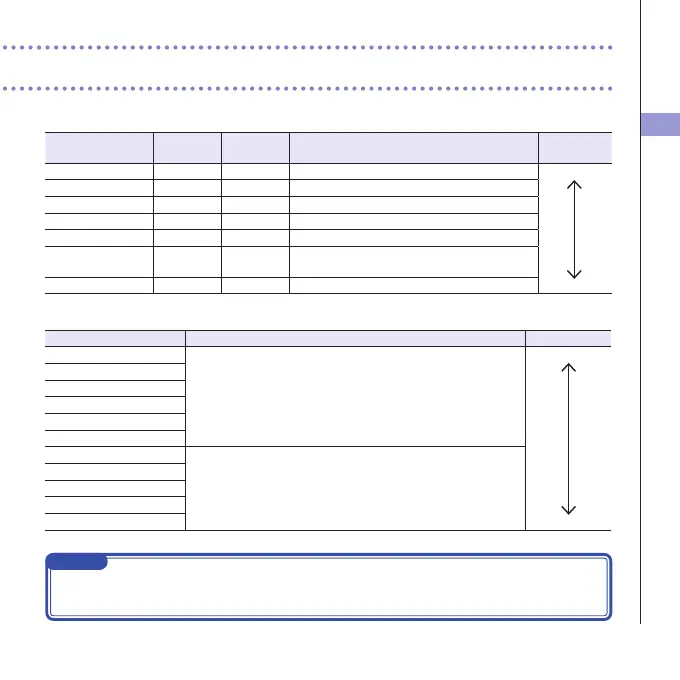
Video:videorecordingresolutionandframerate
Setting Resolution Frames/
second
Explanation
Filesize
3MHD/3024Mbps 2304x1296 30 RecordataresolutionhigherthanFullHD. Large
HD1080/3024Mbps 1920x1080 30 PlayonHDTVs.
HD1080/3016Mbps 1920x1080 30 SaveSDcardspaceandplayonHDTVs.
HD720/6015Mbps 1280x720 60 Record scenes with fast movement.
HD720/308Mbps 1280x720 30 PlaybackonHDTVsandcomputers.
WVGA/608Mbps 800x480 60 Save SD card space and record scenes with fast
movement.
WVGA/305Mbps 800x480 30 Save SD card space. Small
Audio:recordingaudioquality
Setting Explanation Filesize
WAV96kHz/24bit Record in an uncompressedWAV formatwhen audio quality is
important.
Thehigherthesamplingfrequency(kHz)andbitrate,thebetterthe
audioquality.
Large
WAV96kHz/16bit
WAV48kHz/24bit
WAV48kHz/16bit
WAV44.1kHz/24bit
WAV44.1kHz/16bit
AAC320kbps Record inacompressed AACformat when youneedtosaveSD
card space.
AAC 256kbpsThehigher the bit rate(bps), the betterthe audio
quality.
AAC256kbps
AAC192kbps
AAC128kbps
AAC64kbps Small
NOTE
Only44.1/48kHz,16/24-bitWAVformatscan beselected whentherecordingmodesettingisMOV+
-WAVorMULTIAUDIO.



 To Next Page