Mic overview
6
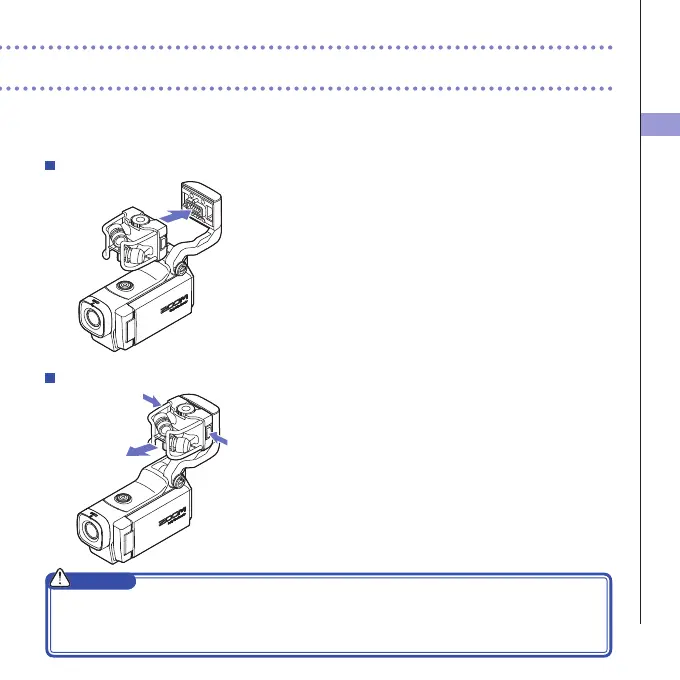
Attaching the mic
1. Attach the mic to the main unit and push it into
place until it locks.
Disconnecting the mic
1. While pressing the buttons on the left and right
sides of the mic, pull it out of the main unit.
CAUTION
• Whendisconnectingthemic,donotusetoomuchforce.Excessiveforcecoulddamagethemicor
the main unit.
• Videorecordingwillstopifamicisremovedduringrecording.



 To Next Page