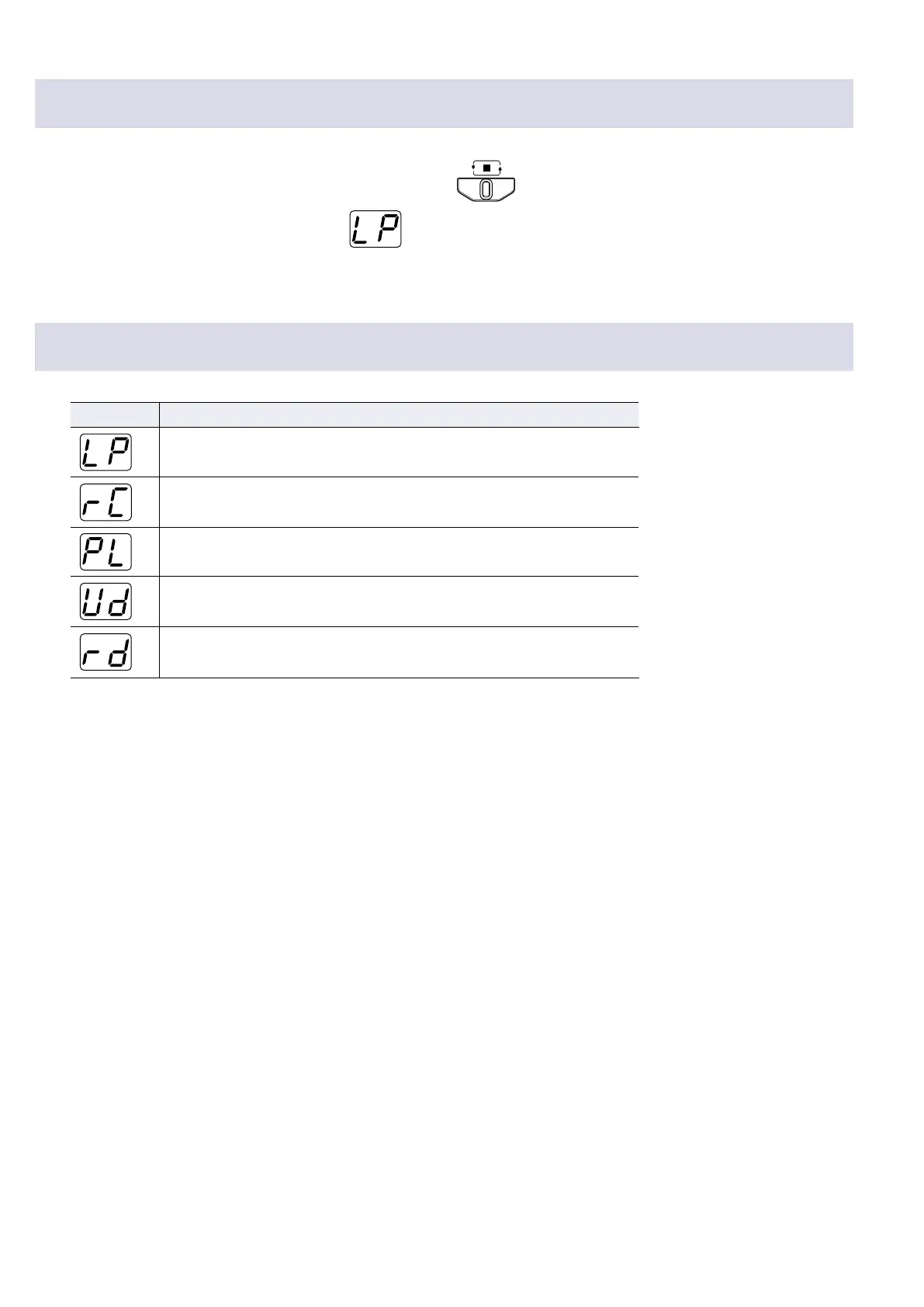
Clearing the loop
1.
When loop playback is stopped, press and hold .
The recorded loop is cleared, and
appears on the display.
Display indicators
Indicator Explanation
LOOPER:
No loop recorded
REC:
Loop being recorded
PLAY:
Loop being played back (blinks when stopped)
UNDO:
Last overdubbed loop being removed
REDO:
Loop removed using UNDO being restored
27


 To Next Page