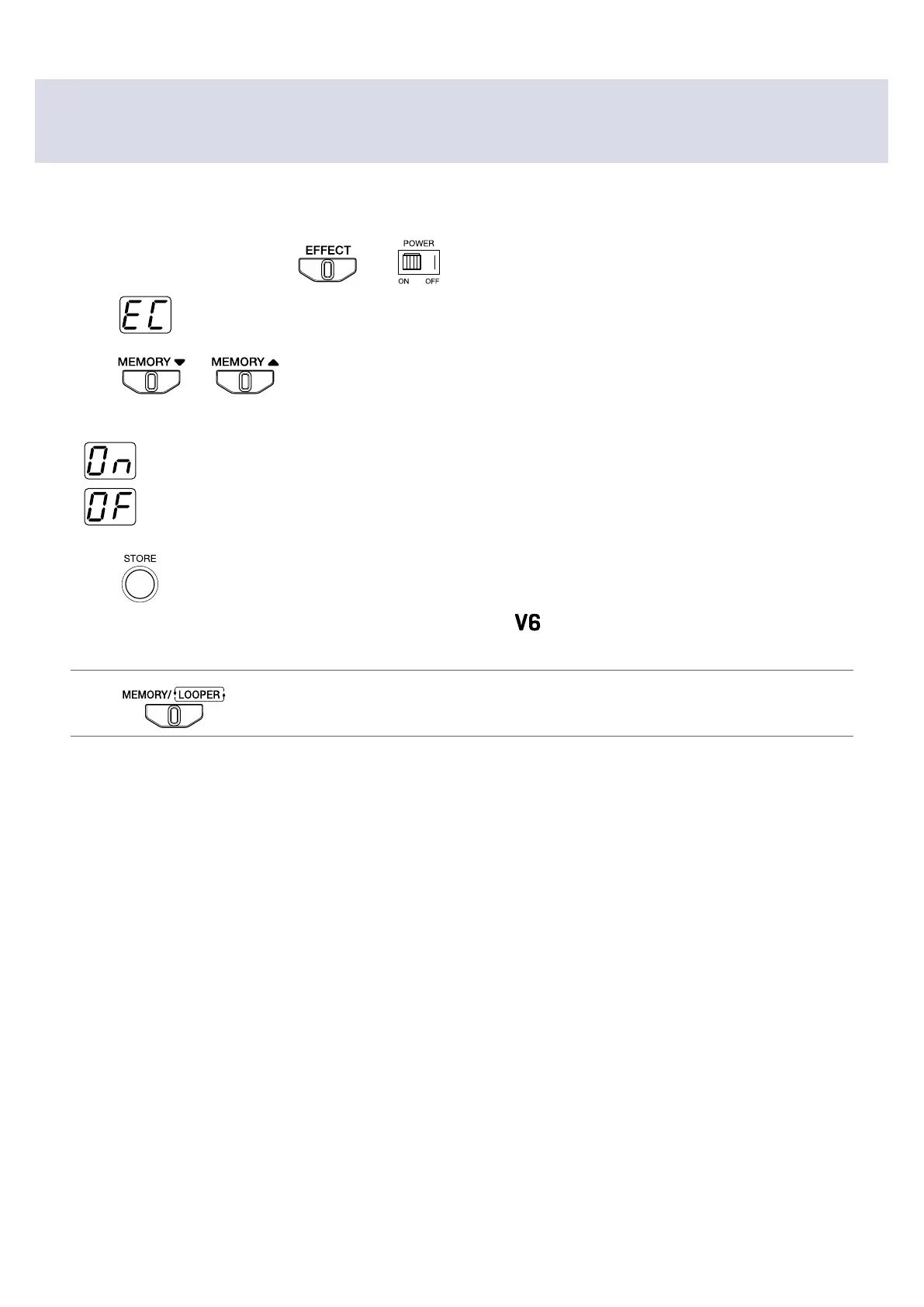
Setting ECO mode to turn the power off automatically
when not used
This function can be used to turn the power off automatically if unused for 10 hours.
1.
While pressing and holding , set to ON.
After
appears on the display, the current setting value appears.
2.
Press or .
Select the setting.
•
The power will automatically turn off if unused for 10 hours.
•
ECO mode is off.
3.
Press .
The display blinks rapidly, the setting is saved, and the
starts normal operation.
HINT
Press to cancel the setting change.
31


 To Next Page