Logging in to the Switch 35
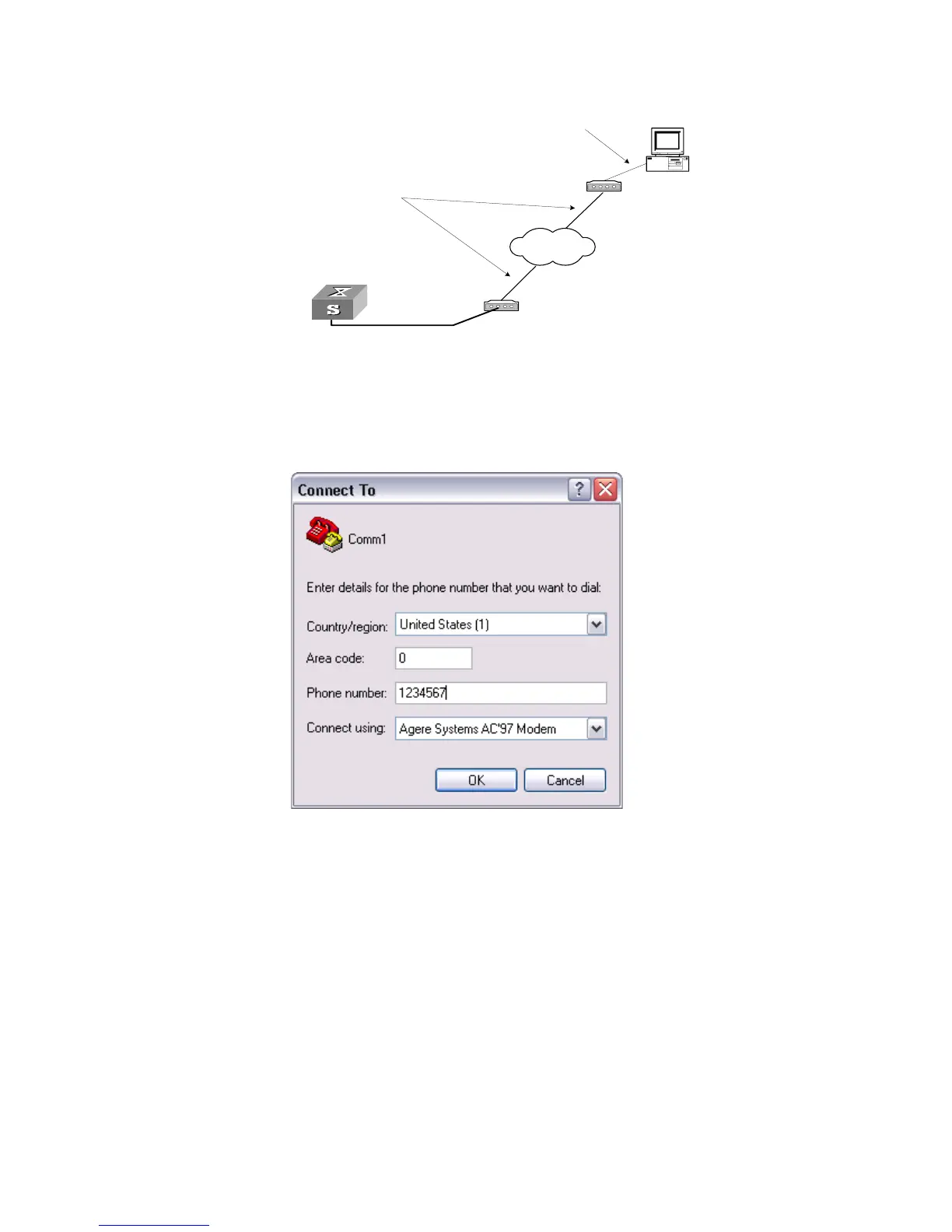
Figure 9 Setting up Remote Configuration Environment
4 Dial for connection to the Switch, using the terminal emulator and Modem on the
remote end. The number you dial is the telephone number of the Modem connected
to the Switch. See Figure 10 and Figure 11.
Figure 10 Setting the Dialed Number
Modem
Telephone line
Modem
Modem serial port line
Remote tel:
1234567
Console port
PSTN















 To Next Page