36 CHAPTER 1: GETTING STARTED
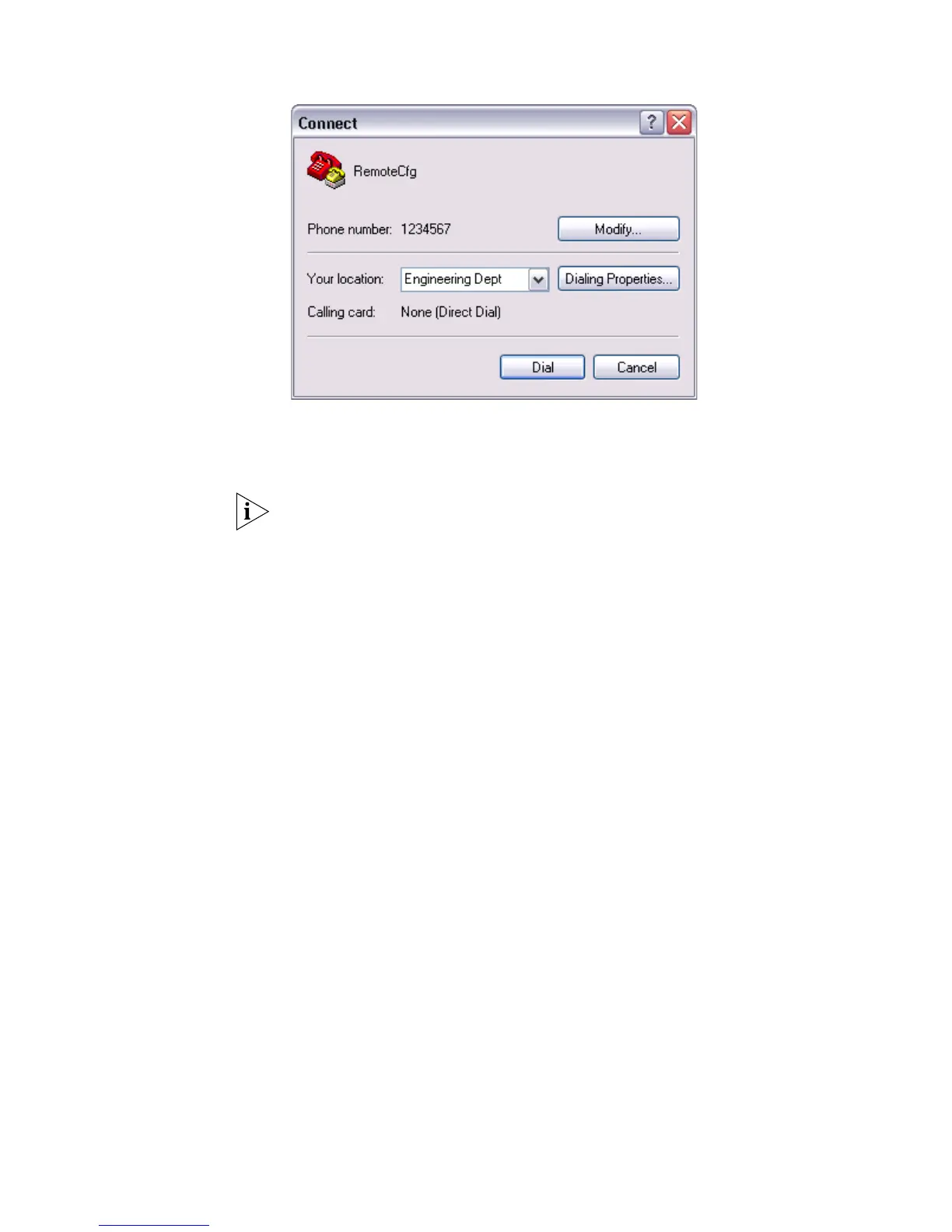
Figure 11 Dialing on the Remote PC
5 Enter the preset login password on the remote terminal emulator and wait for the
prompt
<SW5500>. Then you can configure and manage the Switch. Enter ? to view
online help. For details of specific commands, refer to the following chapters.
By default, after login, a modem user can access the commands at Level 0.















 To Next Page