SSH Terminal Services 511
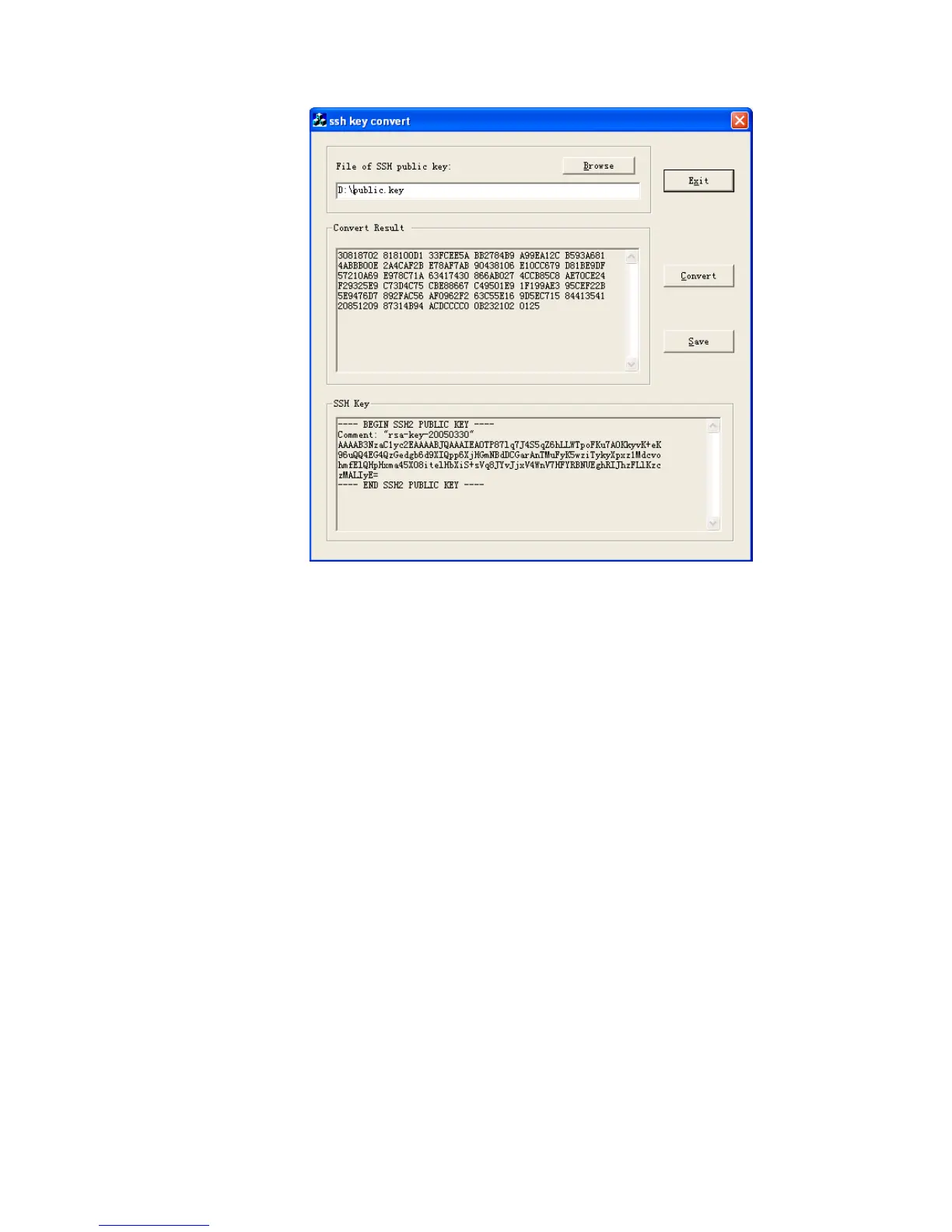
Figure 137 SSH key convert.
Use the save button to save this converted key to a file.
Open the public key file in Notepad and the following lines of text before the existing
text:
rsa peer-public-key mykey
public-key-code begin
where myKey is a name used to identify the key within the switch, you may choose
any name for this.
Then add the following after the existing text:
public-key-code end
peer end
Also remove any blank lines from the file.
The file should look like this:















 To Next Page