512 CHAPTER 22: FILE SYSTEM MANAGEMENT
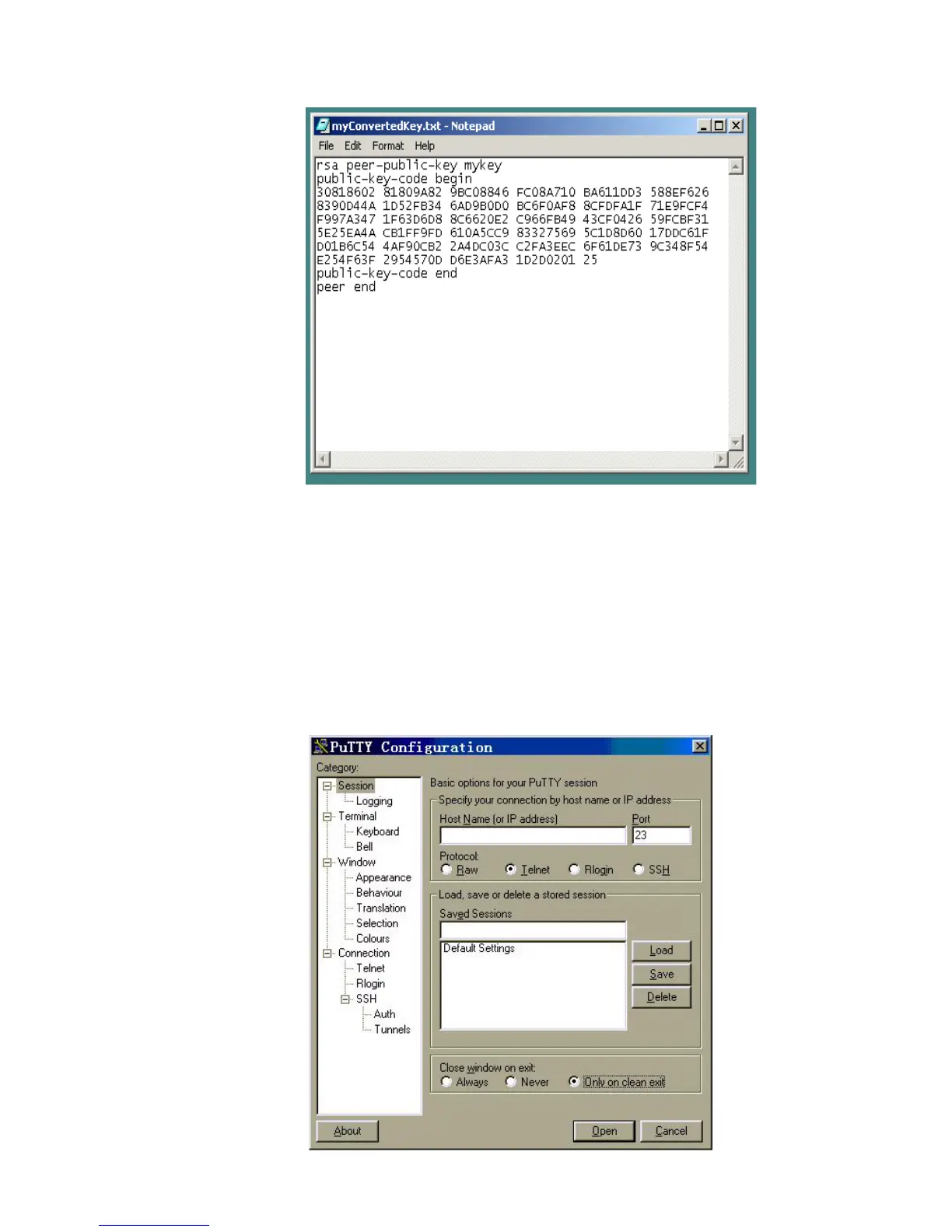
Figure 138 Text file of myKey
Save this to a file ending with a ".bat" extension e.g "keys.bat".
This file can be transferred to the switch using FTP or TFTP.
The key is installed using the execute command in the System view
[SW5500]execute keys.bat
Specifying Server IP Address
Start PuTTY program and the client configuration interface pops up.
Figure 139 SSH Client Configuration Interface (1)















 To Next Page