638 CHAPTER B: RADIUS SERVER AND RADIUS CLIENT SETUP
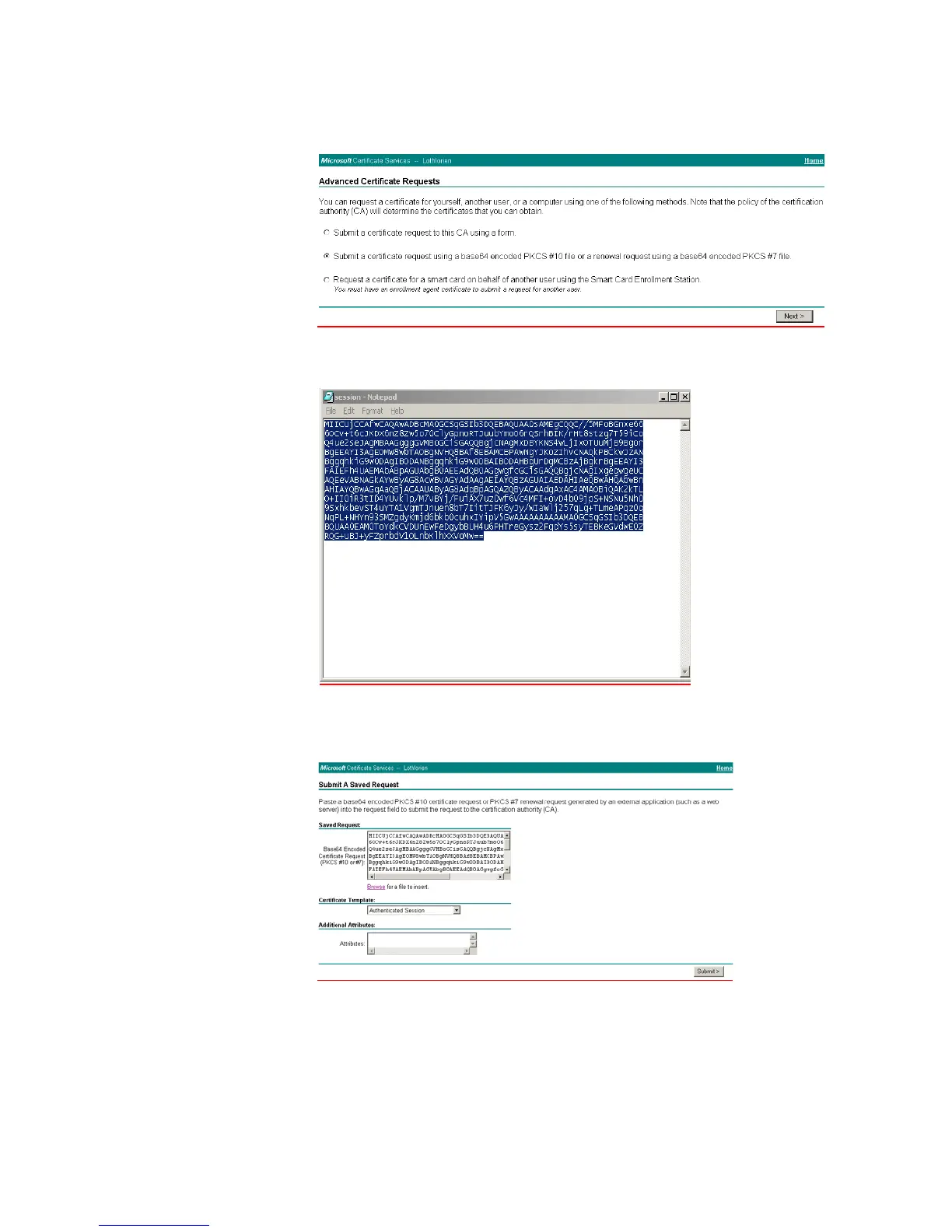
j Select the second option as shown in the screenshot below, and click Next >
k Open the previously saved PKCS #10 certificate file in Notepad, select all
(Control + a) and copy (Control + c), as shown below
l Paste the copied information into the Saved Request field as shown below.
Select Authenticated Session from the Certificate Template selector and click
Submit >















 To Next Page