668 CHAPTER C: AUTHENTICATING THE SWITCH 5500 WITH CISCO SECURE ACS
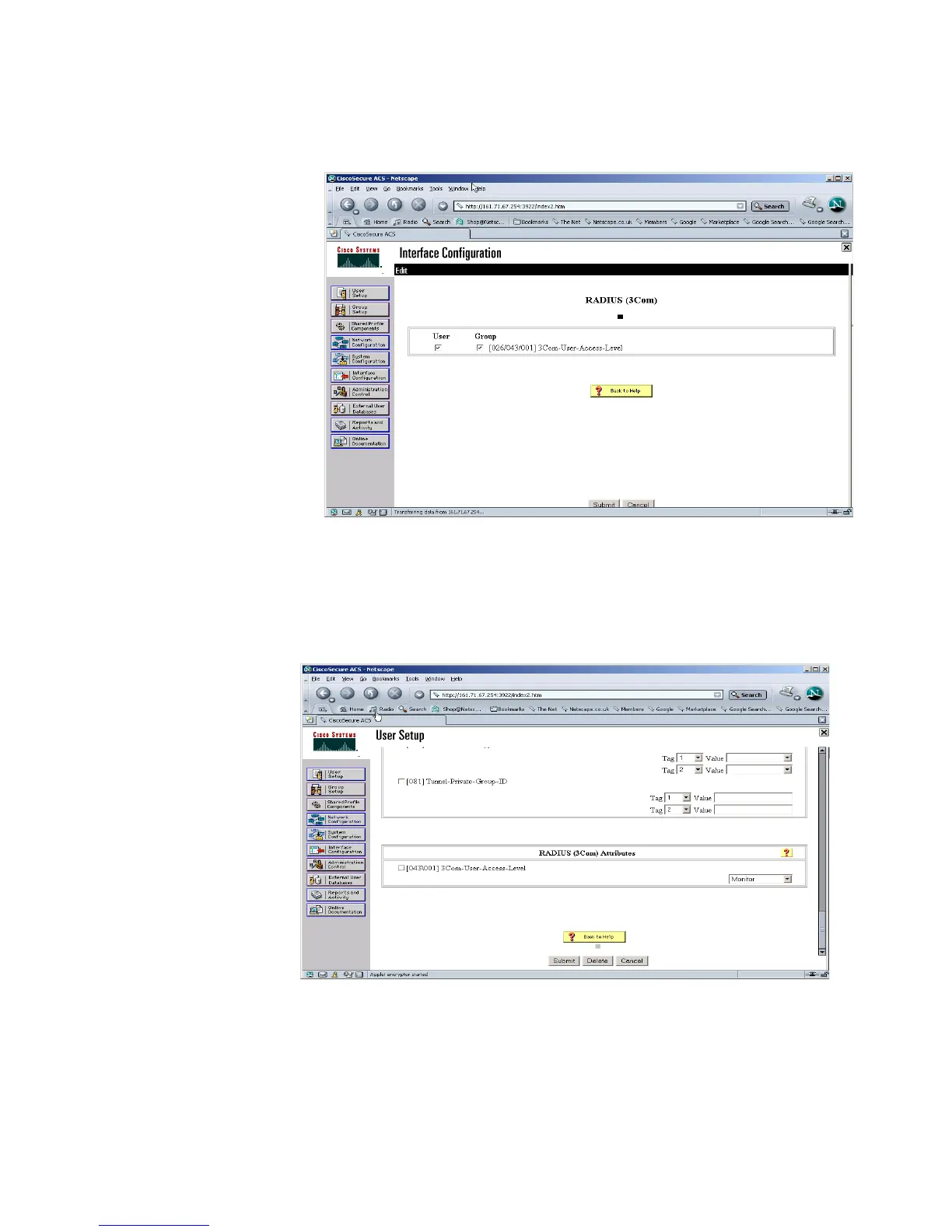
5 Ensure that the 3Com-User-Access-Level option is selected for both User and
Group setup, as shown below
6 Select User Setup and either modify the attributes of an existing user (select Find
to display the User List in the right hand window) or Add a new user (see Adding a
User for Network Login). Set the user’s access level to the 3Com Switch 5500 by
scrolling to the bottom of the user profile where there should be the option for
configuring the access level as shown below:















 To Next Page