ProJet
®
x60 Series User Guide Additional Operations
3dscentral.3dsystems.com 35 All Rights Reserved
5/12/13
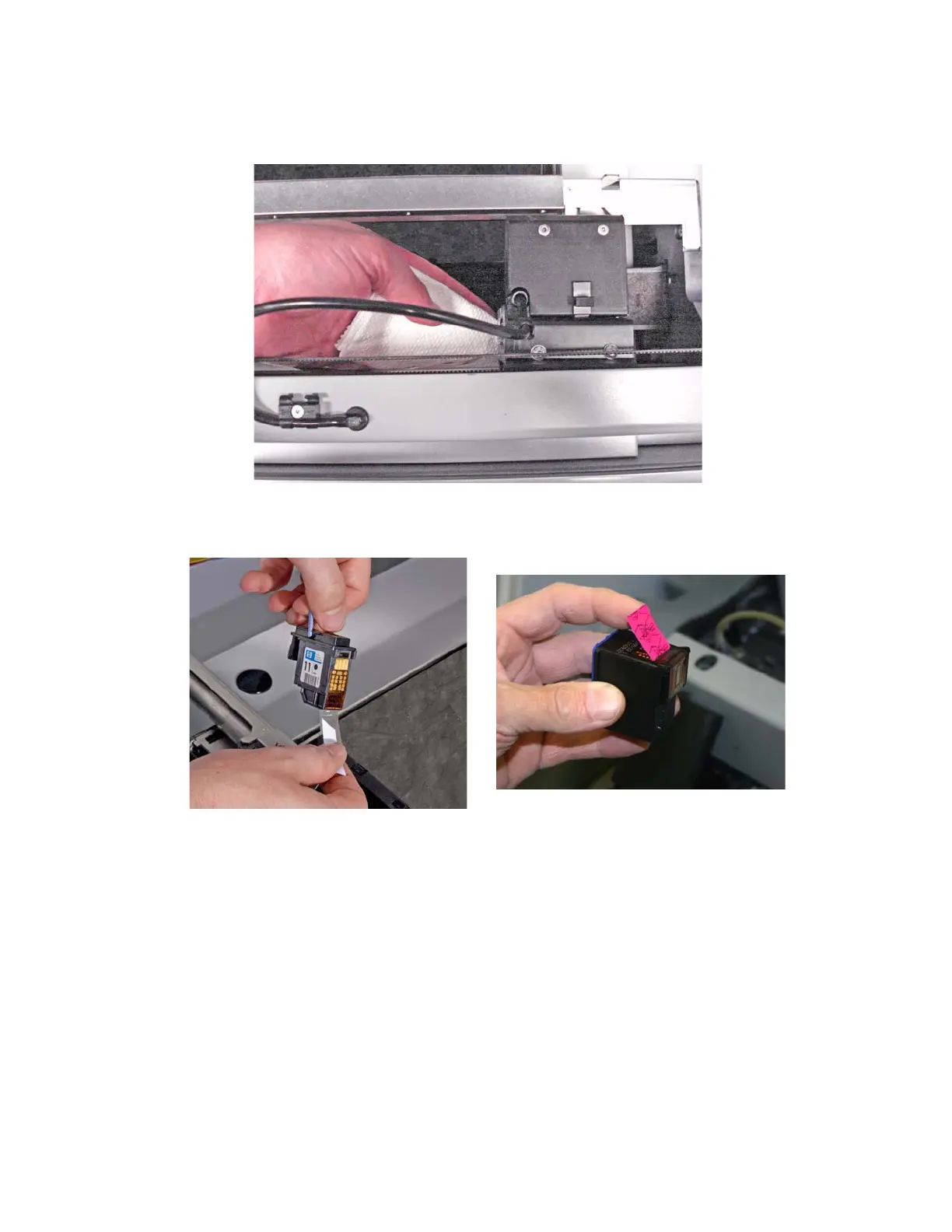
8. Wet a paper towel with distilled water and wipe the underside of the Carriage.
Keep wiping until the towel picks up no more debris or ink.
9. Dry with a clean paper towel.
10. Remove the new printhead from its packaging. Be sure to pull the tape tab off of the new printhead.



 To Next Page