Aaton
Getting started
17
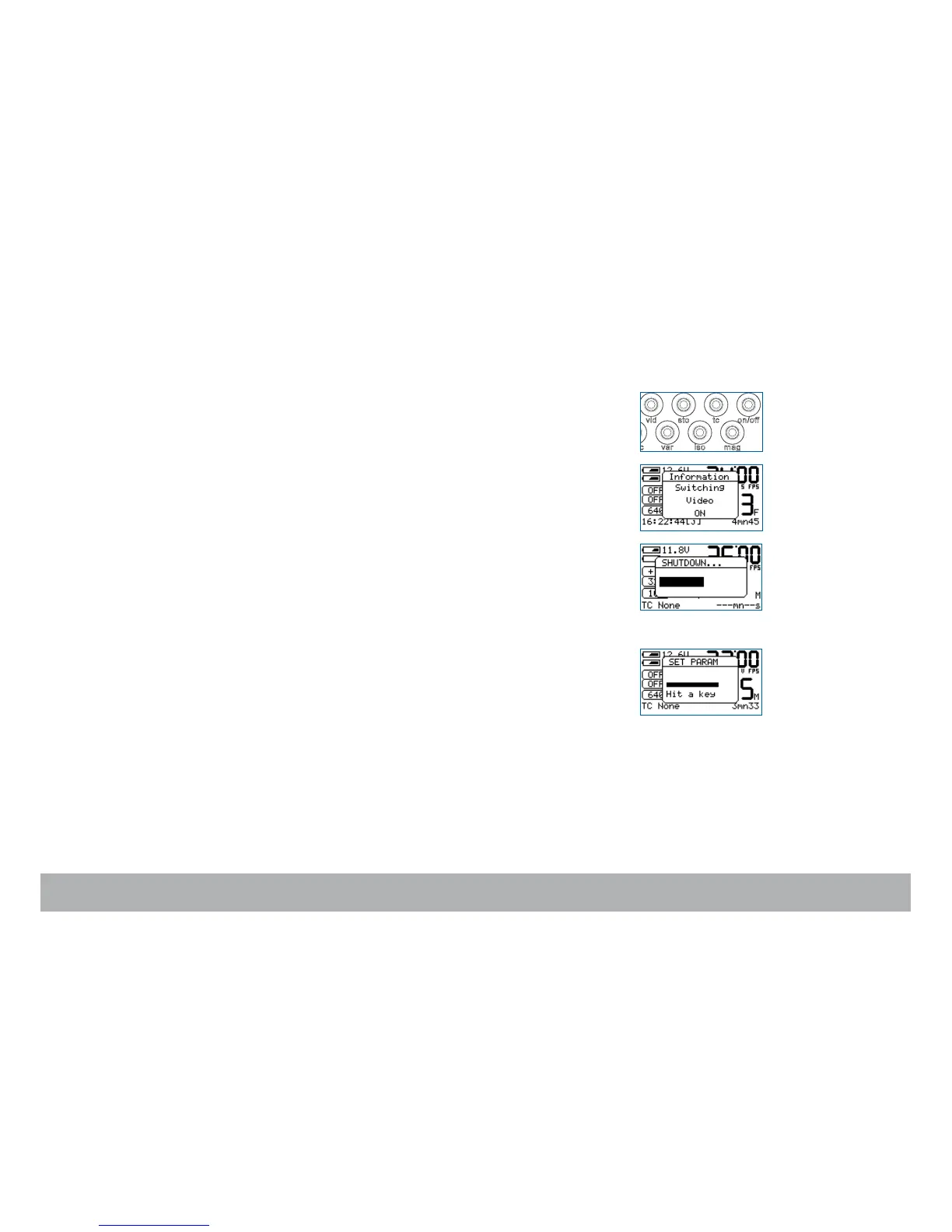
Power up the camera electronics
To turn ON the camera electronics, press the «on/off» key.
Power up the VHR video-assist
To turn ON the video-assist, press the «set» key and then the «on/off» key.
Power down the camera electronics and video-assist
Press the «on/off» key, a window appears on the LCD screen. Hold the
«on/off» key, a bargraph timer starts counting down.
When finished, the screen displays Au revoir.
The «set» key
The «set» key gives access to the camera’s settings. While pressing the
«set» key, a window appears for a few seconds allowing you to access the
desired parameters.



 To Next Page