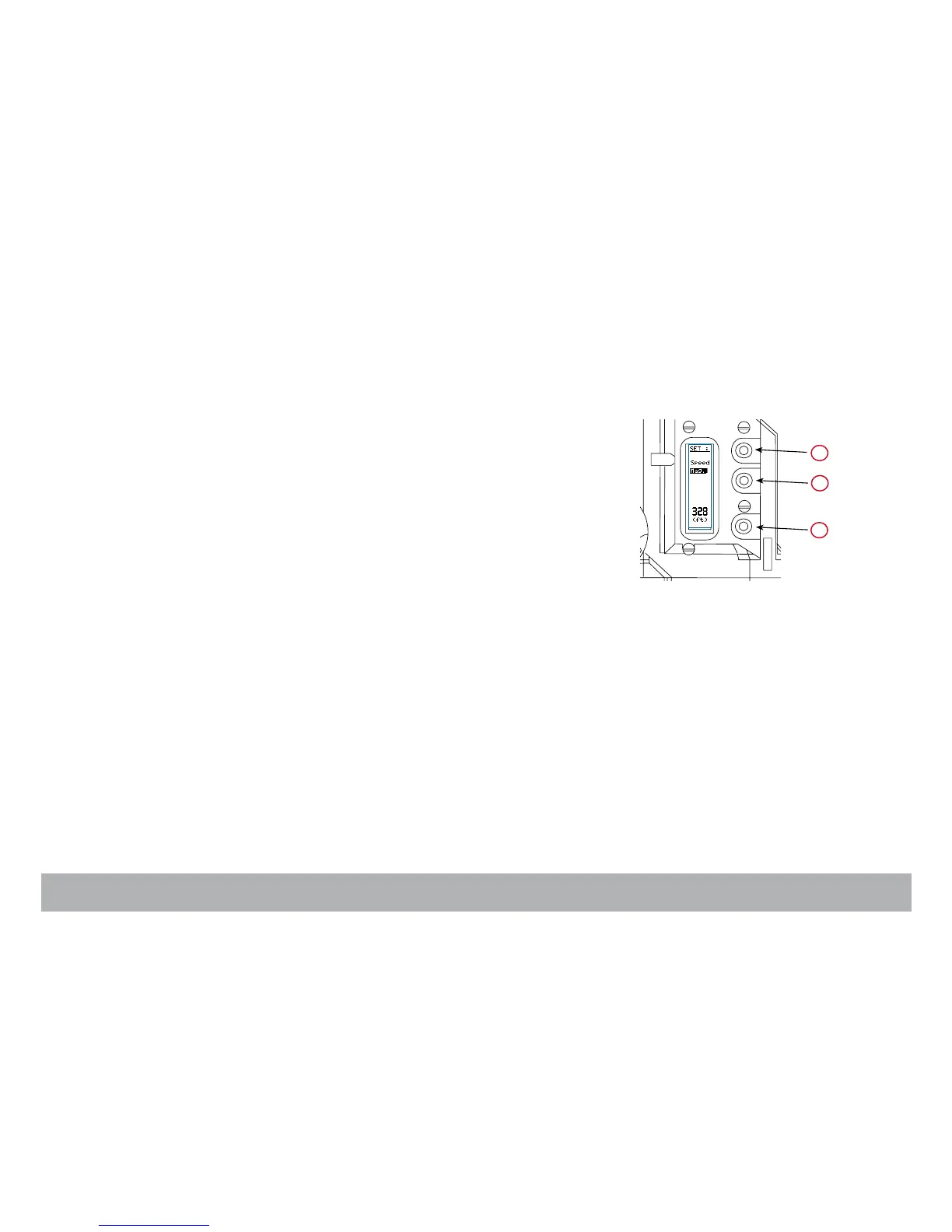
2.8 Operator’s side settings
Three keys are located on the Operator’s side, close to the vertical LCD
screen:: «lower» (1), «middle» (2), «upper» (3).
• Press the «middle» or «upper» key to adjust the AatoNite frame brightness,
see Chapter 1.
• Press the «lower» and «middle» keys to select the SPEED item, press the
«lower» key to make it blink, you can now modify the SYNC and VAR film
running speed. Press the «middle» or «upper» key to modify the speed
value. Press the «lower» key to validate.
• Press the «lower» key and «upper» keys to select the MAG item, press the
«lower» key to make it blink, you can now set the magazine footage. Press
the «middle» or «upper» key to modify the footage value. Press the «lower»
key to validate.
3
1
2



 To Next Page