Aaton
Getting started
22
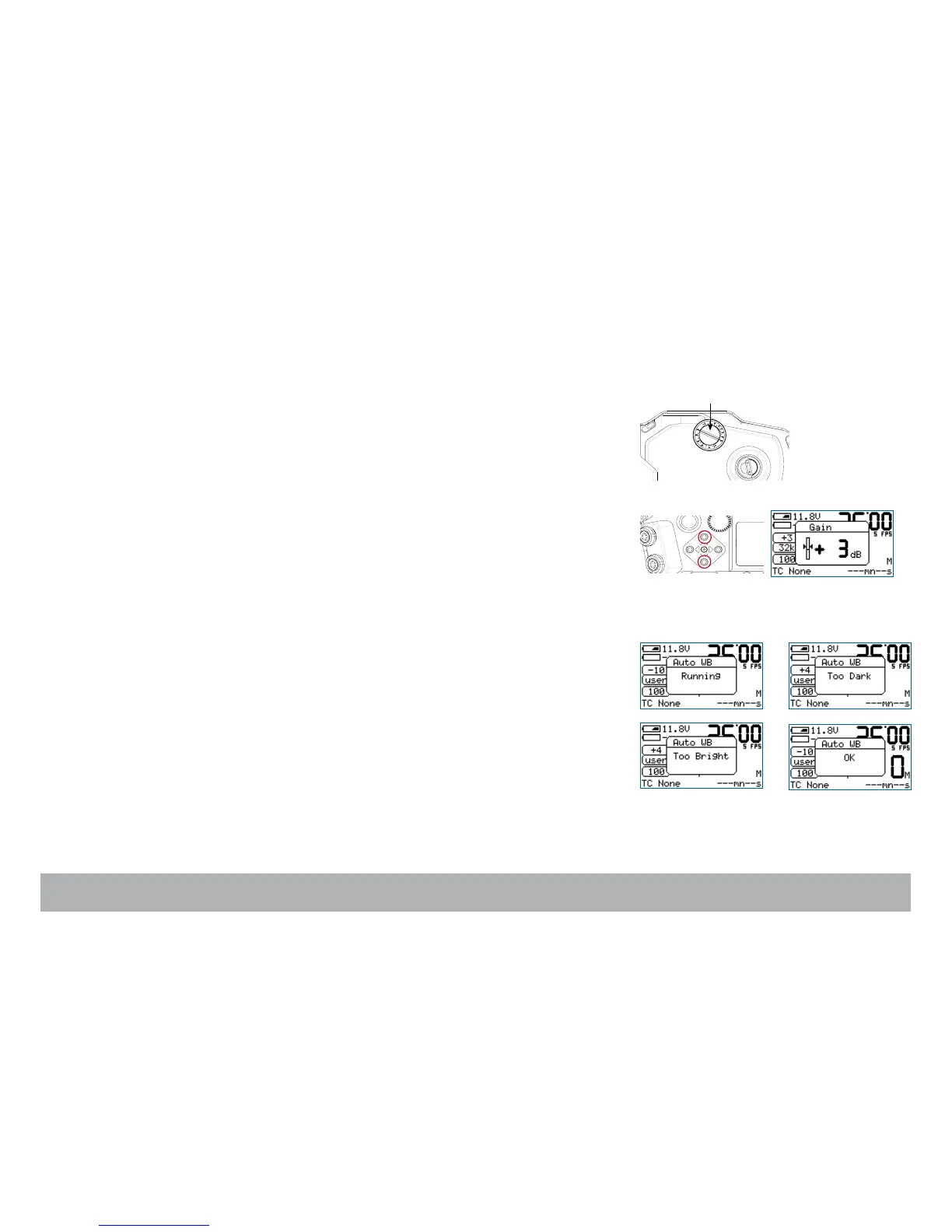
Manual footage counter
Measure the remaining footage by rotating the mechanical footage indicator
(located on the door) counterclockwise.
Video-assist direct access
Video gain
The video-assist gain is directly accessible through the control panel.
Press the «up» or «down» key to change the video gain.
Wait for 3 seconds or press the «set» key to validate. The adjustment range
is -10dB to +12dB, in 1dB steps.
White Balance
Press the «set» key, then the «right» key to activate the Auto White Balance.
If there’s too much light (or not enough), the message Too Bright or Too
Dark is displayed. When the white balance is correct, OK is displayed.
NOTE: The video-assist switches automatically to the User’s Color Tempera-
ture mode. The stored RGB values can be modified in the Video Menu,
see Chapter 4.



 To Next Page