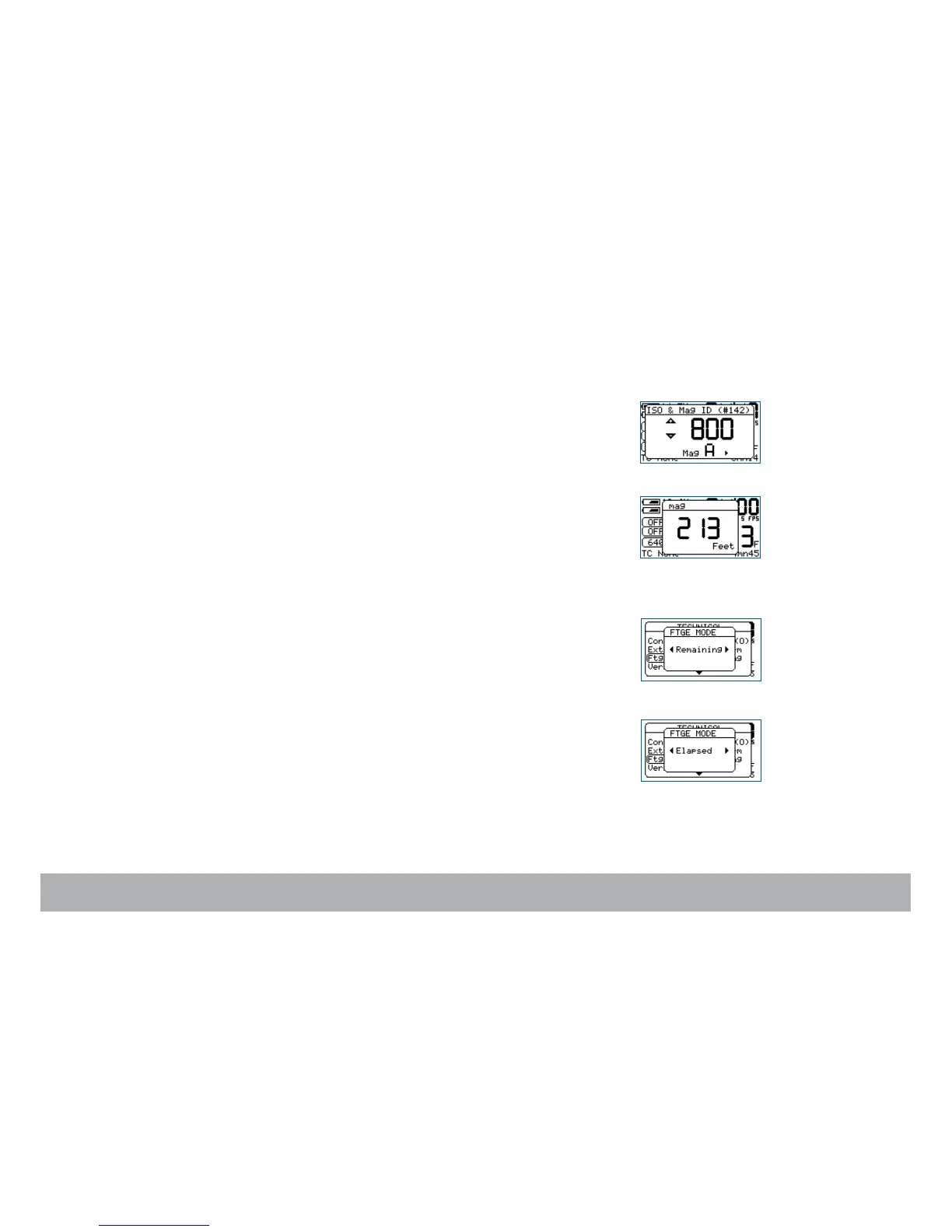
Magazine footage adjustment
An embeded RFID chip identifies each magazine.
It enables associating a letter (A - J) with each magazine, allowing the film
speed and remaining footage to follow each magazine.
Press the «set» key and the «iso» key to enter the ISO menu, then press the
«left» or «right» key to select the desired letter.
Press the «set» key, then the «mag» key to access the MAG menu. If a full
400ft roll has been loaded, press the «mag» key two times to adjust the foot-
age to 400ft (122m). If you load a short end in the magazine, check the
length with the magazine footage counter and enter the same value into the
MAG menu by pressing the «up» or «down» key.
This value is stored for each RFID magazine, identified by a letter from A to J.
Foot or meter setting
While in the Mag menu, press the «left» or «right» key to select the desired
measuring unit.
Footage counting
Penelope can display either the remaining or the elapsed footage.
To select the mode,
press the «set» key then the «tech» key to open the
Technical Menu.
Press the «down» key to select the Ftg Mode item and press the «right» key
to access it. Choose between Remaining or Elapsed by pressing the «left»
or «right» key. Press the «set» to validate your selection, then «exit
».



 To Next Page